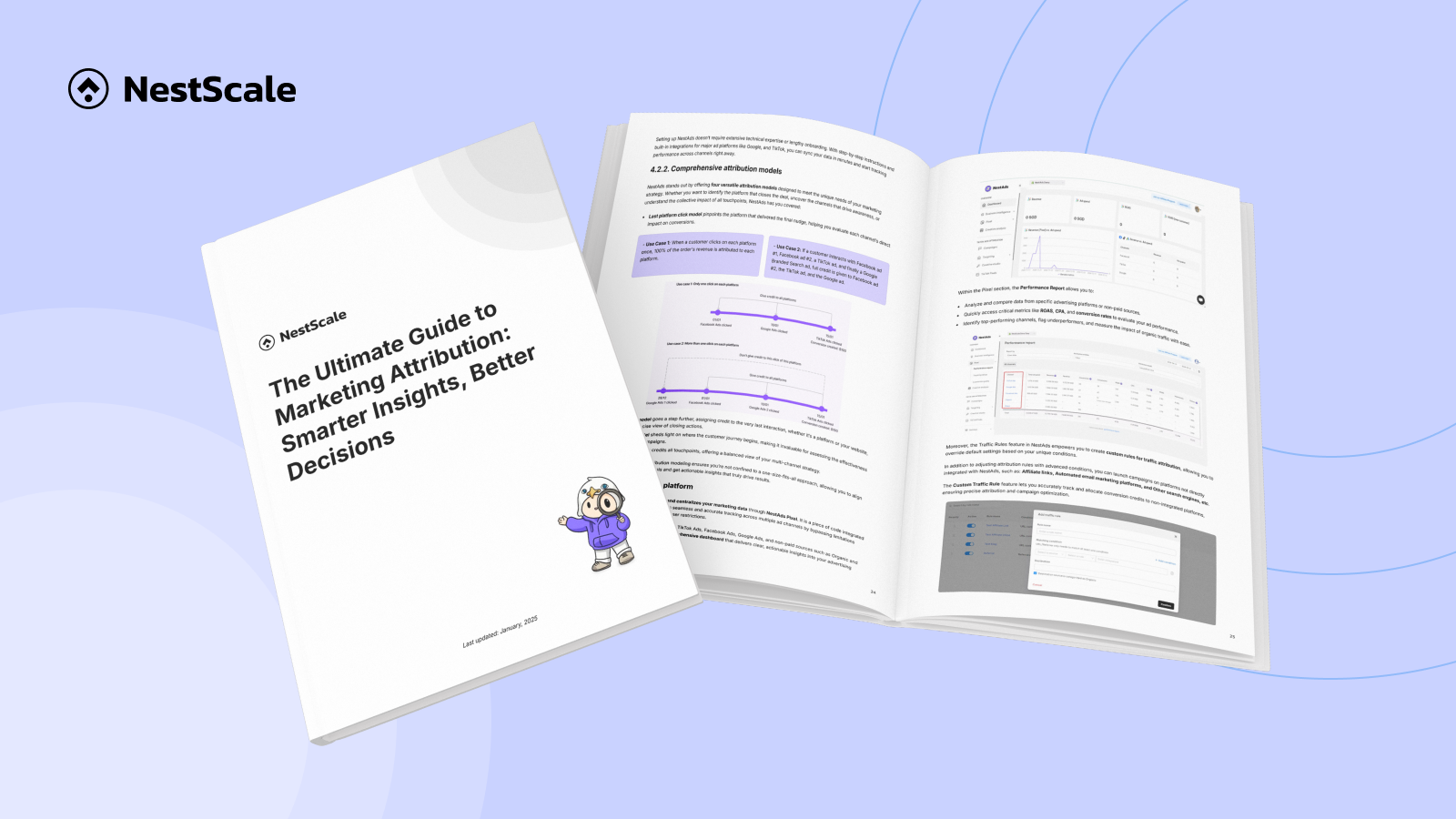








 Marketing Attribution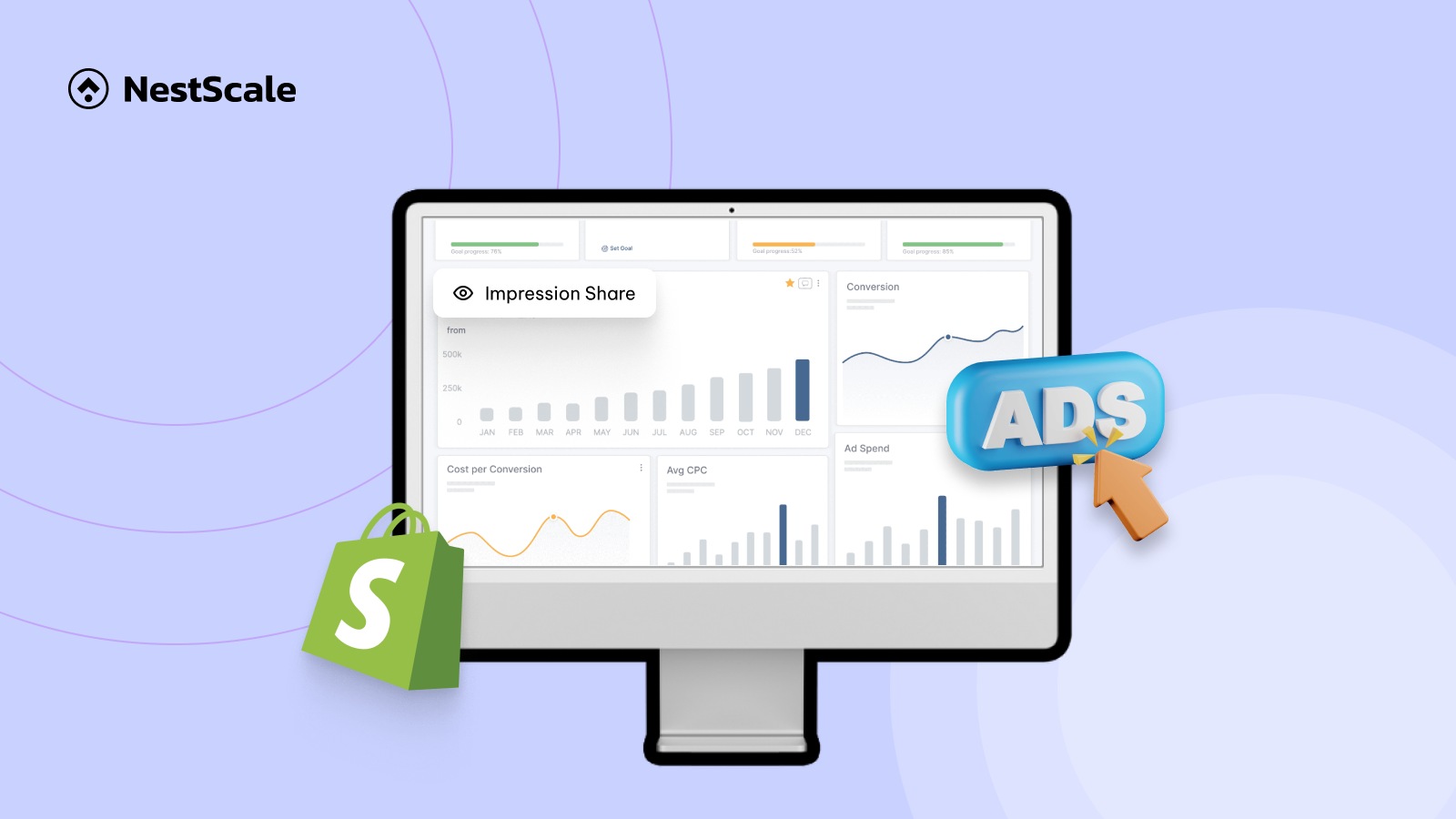
Most online merchants look straight at two metrics: total sales and conversion rate. While these numbers are important, they do not offer customer insights needed to improve your store performance.
I wrote this guide to recommend specialized tools to give you relevant analytics and discoveries. To give you honest recommendations, I evaluated these tools based on setup speed, real-time data accuracy, visual reporting quality, and overall value for the price. Let us dive into the best Shopify analytics tools.
1. Best Shopify Analytics Apps for Shopify (2026)
To help you find the right fit quickly, the table below summarizes my top recommendations based on specific business needs:
| App Name | Pricing | Key Features | Best For |
| NestAds | Free plan available; Paid plan from $129.99/month | Multi-channel ad attribution, ROAS tracking, customer journey mapping | Marketing & Ad Attribution |
| Triple Whale | From $149 | First-party data hub, cross-channel attribution, AI spend forecasting | Marketing & Ad Attribution Tools |
| Google Analytics | Free standard version | Cross-platform event tracking, native Google Ads loop, funnel exploration | Marketing & Ad Attribution Tools |
| NS Revenue Heatmap & Replay | Free plan available | Live session replays, visual revenue heatmaps, click tracking | Customer & Behavior Tracking Tools |
| Lifetimely | Free trial available; Paid plans from $149/month | Cohort analysis, accurate profit tracking, LTV projections | Customer & Behavior Tracking Tools |
| Lucky Orange | Free plan available; Paid plans from $19/month | Dynamic heatmaps, live chat, session replays, conversion funnels | Customer & Behavior Tracking Tools |
| Better Reports | 14-day free trial; Paid plans from $19.9/month | Custom report builder, automated email delivery, drag-and-drop fields | Advanced Reporting & Inventory Tools |
| Polar Analytics | From $750/month | Unified data hub, custom KPI alerts, pre-built connector loops | Advanced Reporting & Inventory Tools |
1.1. NestAds – Best for high-volume brands and ad attribution
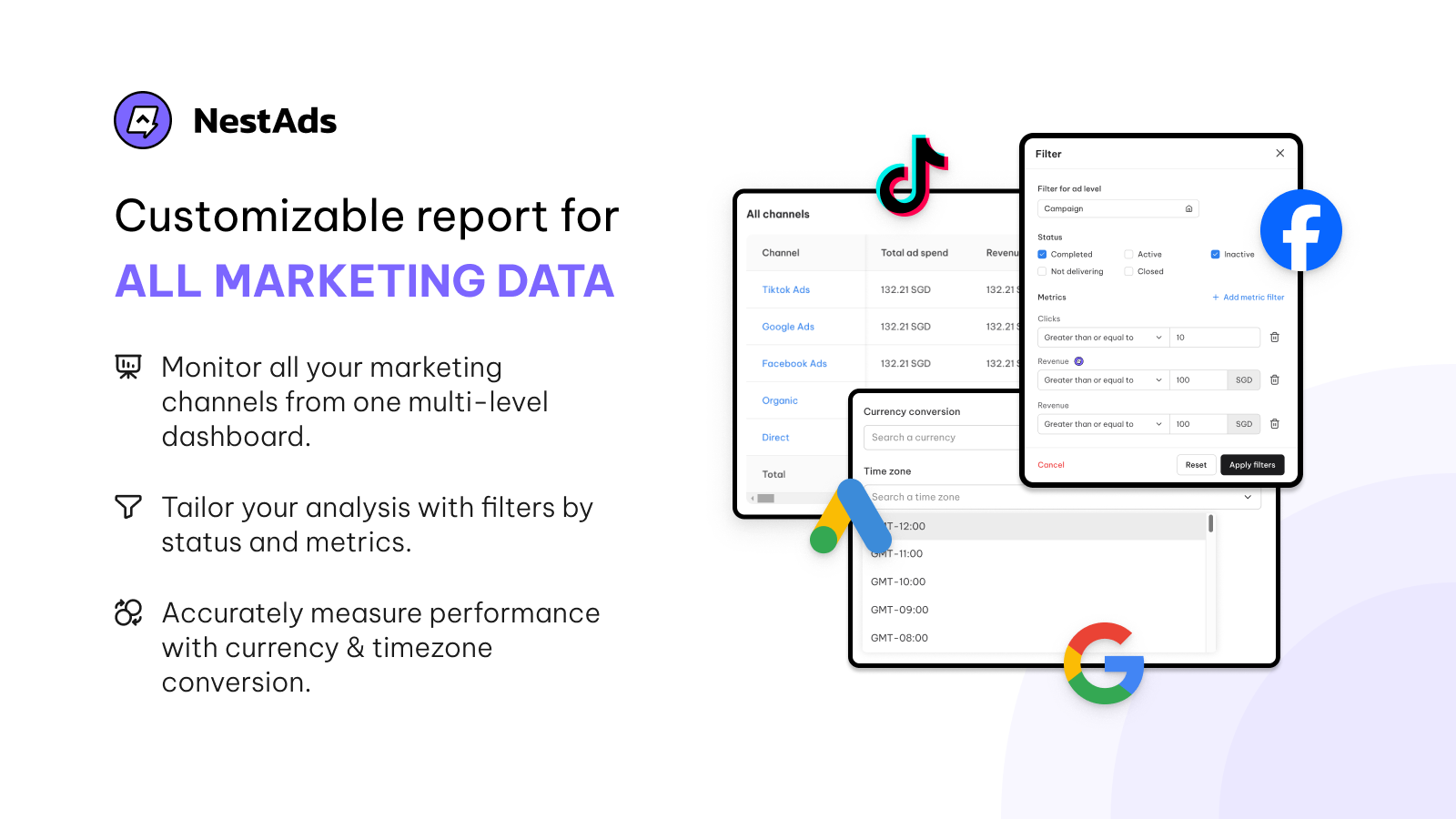
NestAds provides a simplified, privacy-compliant tracking system built to scale paid marketing campaigns with confidence.
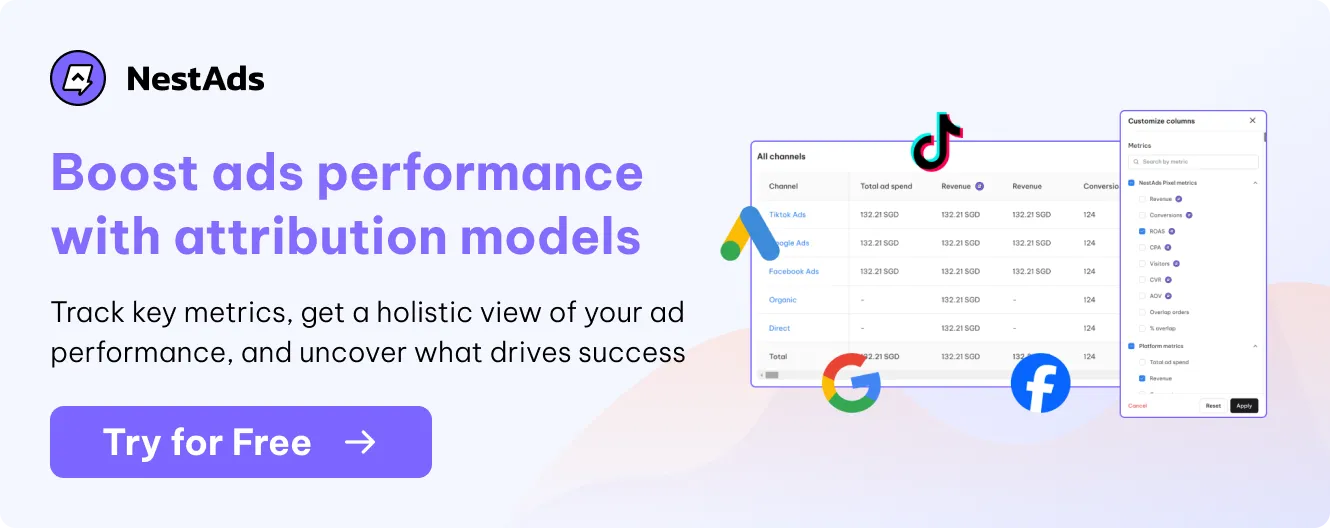
I like how NestAds Marketing Attribution looks at your entire marketing ecosystem to find out which ads actually drive conversions. When you run ads across TikTok, Google, and Meta simultaneously, tracking links get messy. NestAds solves this by using first-party data to map out the exact path a customer takes before buying.
When I compared it to standard platform tracking, I found that NestAds gives a much clearer view of your true return on ad spend.
Pros:
- Simplifies multi-channel ad spend tracking into a single dashboard.
- Bypasses browser privacy restrictions to give accurate return on ad spend numbers.
- Easy integration with major social media ad platforms.
- Highlight key touchpoints and identify drop-off points.
Cons:
- The interface can feel overwhelming if you only run ads on one platform.
This tool is ideal for scaling merchants who spend significant monthly budgets across multiple ad channels and need clear attribution data.
1.2. Triple Whale – Best for enterprise-level attribution
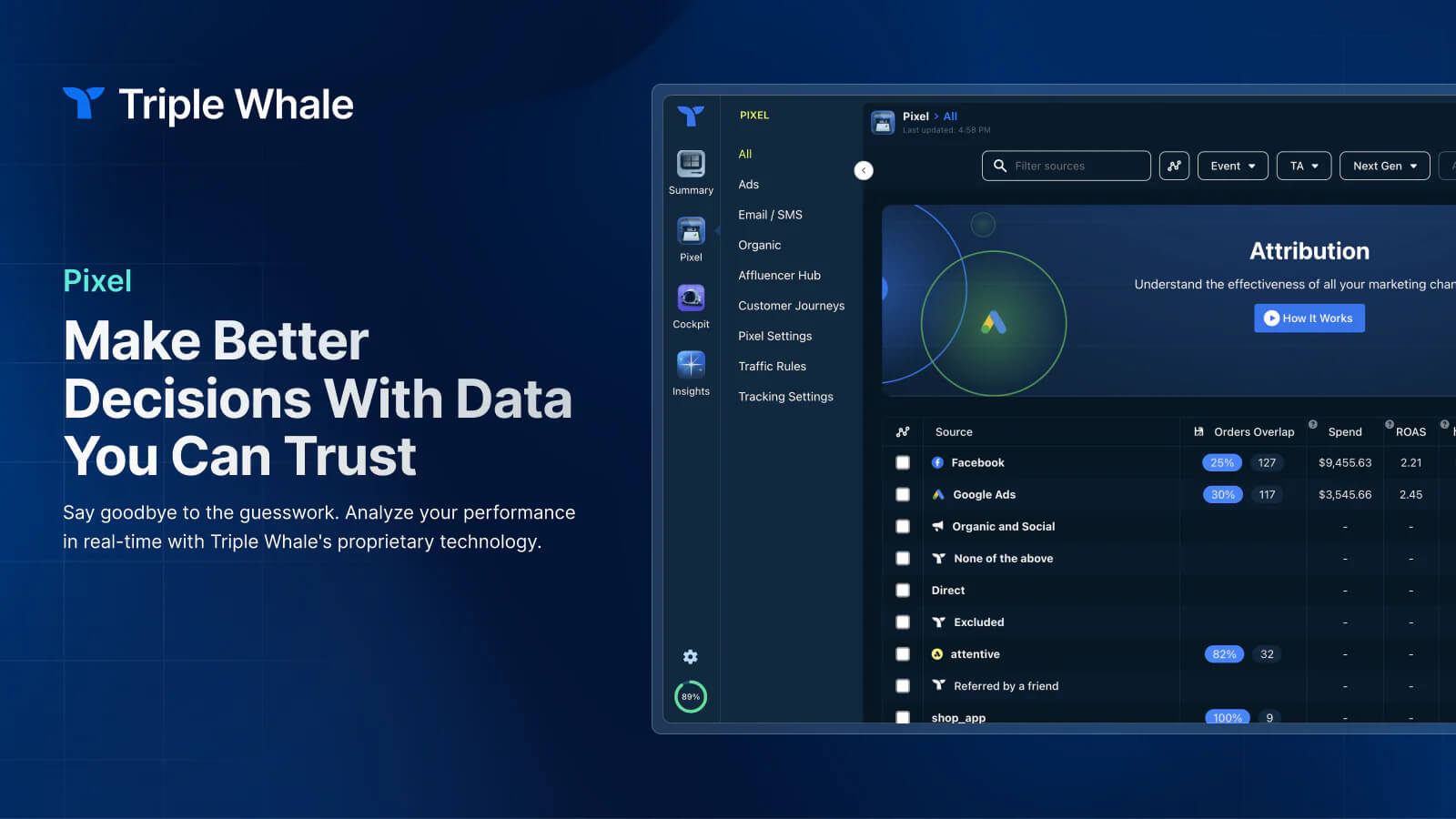
I found Triple Whale to be one of the most robust data hubs for fast-growing brands. It uses a proprietary tracking pixel to centralize your ad spend, email marketing, and SMS data into one clear picture.
When I compared it to NestAds, Triple Whale offered a much deeper look into creative asset performance and Marketing Mix Modeling (MMM). However, it is an investment, as its paid tiers scale directly with your store’s revenue.
Pros:
- Consolidates Facebook, Google, TikTok, and Klaviyo data into a single screen.
- Offers excellent first-party data tracking that fixes broken platform reporting.
- Built-in AI features help you automate your budget recommendations.
Cons:
- Pricing can escalate rapidly as your store’s total gross volume increases.
This tool is ideal for established, mid-market brands spending heavily on paid media who need highly detailed attribution models to manage their budgets.
Relevant reading: Google Ads Conversion Tracking Explained & How to Use
1.3. Google Analytics 4 (GA4) – Best for conversion funnel tracking
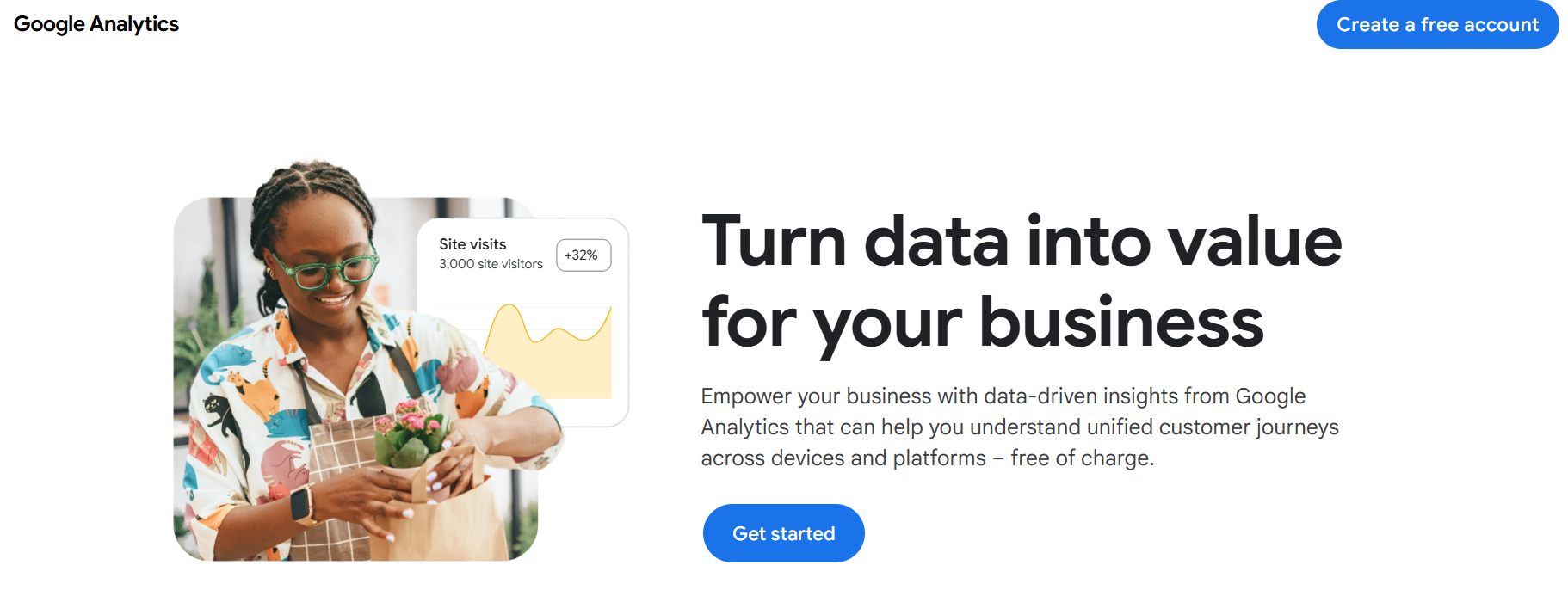
I highly value Google Analytics 4 for its unmatched ability to trace organic and paid visitor paths across your entire digital presence. GA4 uses an event-based tracking structure that records precise user milestones like viewing a product, adding to a cart, or finishing a checkout.
When I connected it to a live store, I found that its seamless integration with Google Ads and Google Search Console makes it an absolute requirement for tracking search engine visibility and paid search campaigns.
Pros:
- Entirely free standard platform that easily accommodates small and mid-sized e-commerce operations.
- Advanced funnel custom exploration reports let you analyze exactly which steps cause checkout drop-offs.
- Machine-learning capabilities provide smart audience modeling, predicting potential churn or purchase probabilities.
- Includes specialized tracking features to monitor traffic coming directly from modern AI assistants.
Cons:
- Has a steep learning curve compared to Shopify analytics.
- The native user interface limits custom dashboard data retention to a maximum of 14 months.
This tool is ideal for brands of any size that need a highly reliable, free, and industry-standard baseline to connect their organic SEO and Google advertising spend directly to individual purchase conversions.
1.4. Lifetimely – Best for customer lifetime value (LTV) tracking
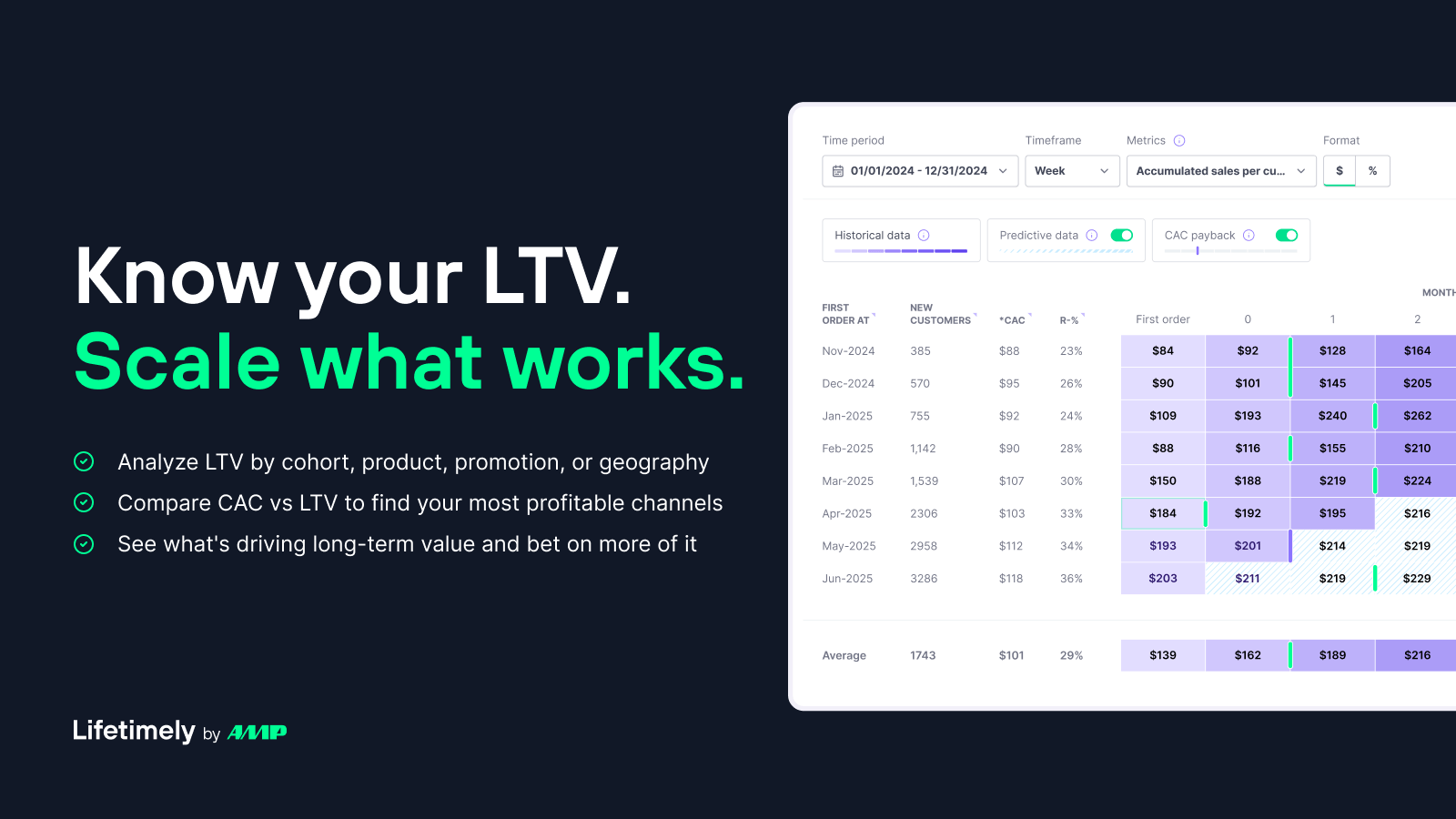
Lifetimely calculates your true profitability by automatically subtracting your product costs, shipping fees, transaction costs, and ad spend from your total revenue. When I tested its cohort analysis, I found it incredibly easy to use. It builds simple customer lifetime value charts that show you exactly when repeat buyers return.
Pros:
- Automatic integration with shipping data and ad accounts makes profit calculation precise.
- Excellent cohort analysis that tracks customer retention over months.
- Helps you predict future revenue based on historical buying patterns.
Cons:
- The automated dashboard leaves fewer options for custom spreadsheet layouts.
This tool is ideal for subscription businesses or stores with repeatable purchase cycles that need to track customer lifetime value without error.
1.5. Lucky Orange – Best for session recordings and customer service
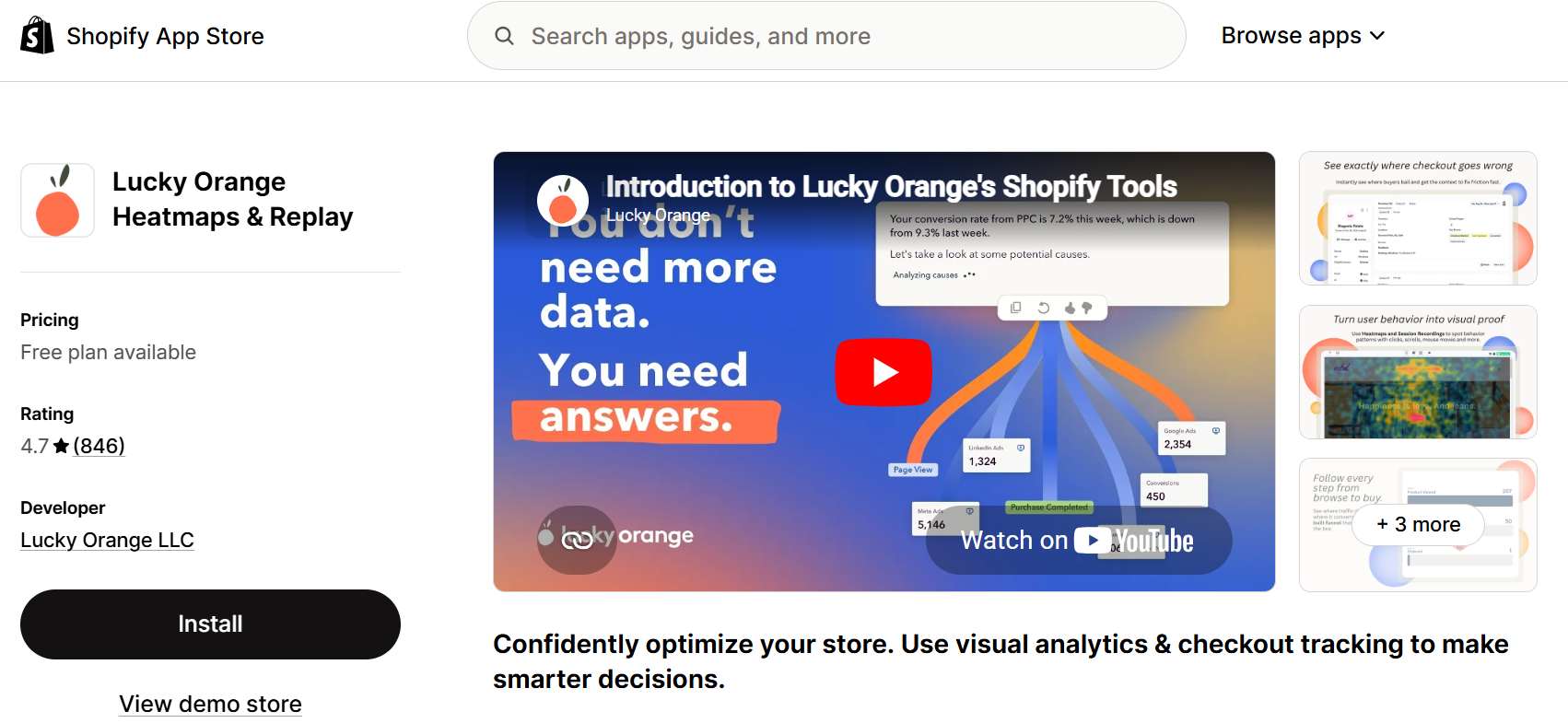
Heatmaps and session recordings are the most relevant CRO tools for ecommerce.
I highly recommend Lucky Orange if you want to watch exactly how visitors navigate your store in real time. It packs a complete suite of user analytics, including session recordings, dynamic heatmaps, and live chat.
Pros:
- Dynamic heatmaps allow you to interact with drop-down menus and pop-ups to see click data on moving elements.
- Form analytics show you exactly which field in your checkout process causes people to abandon the purchase.
- Includes a built-in live chat tool to help you rescue abandoning shoppers in real time.
Cons:
- The free plan limits you to 500 page views per month, meaning growing stores will quickly need a paid tier.
- Hidden fees; the app is not built into Shopify dashboard.
This tool is one of the best Shopify heatmap apps that fix usability issues immediately, and directly chat with customers to boost customer satisfaction.
1.6. NS Revenue Heatmap & Replay – Best for conversion rate optimization audit
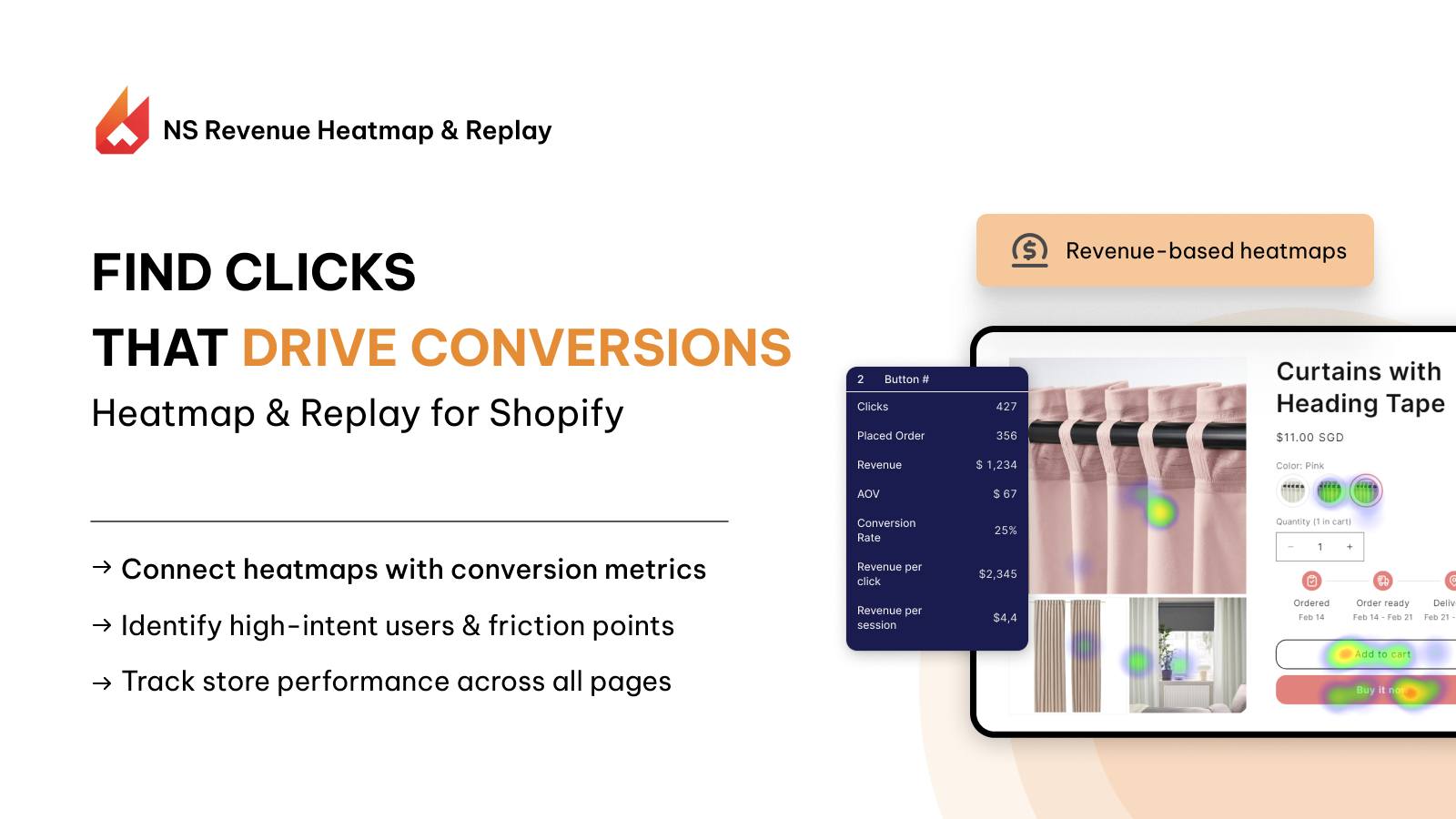
NS Revenue Heatmap & Replay is an affordable, conversion-focused tool that links your customer’s actions directly to sales and conversion metrics.
More than just clicks and scroll, NS Revenue Heatmap connects what your customers do on your site with how much money they spend. In each user session recording, it highlights the exact areas of your store that generate the most revenue.
I found this integration of behavior and revenue highly practical compared to standard replay tools that do not show financial values.
Pros:
- Shows you exactly which buttons or images lead to direct purchases.
- Visual maps make it simple to spot broken elements on your product pages.
- Budget-friendly for small stores.
Cons:
- Does not offer deep profit-and-loss inventory calculations.
This tool is ideal for regular merchants who want to audit CRO (conversion rate optimization) and improve their website layout based on direct visual evidence of shopper spending.
1.7. Better Reports – Best for custom drag-and-drop reports
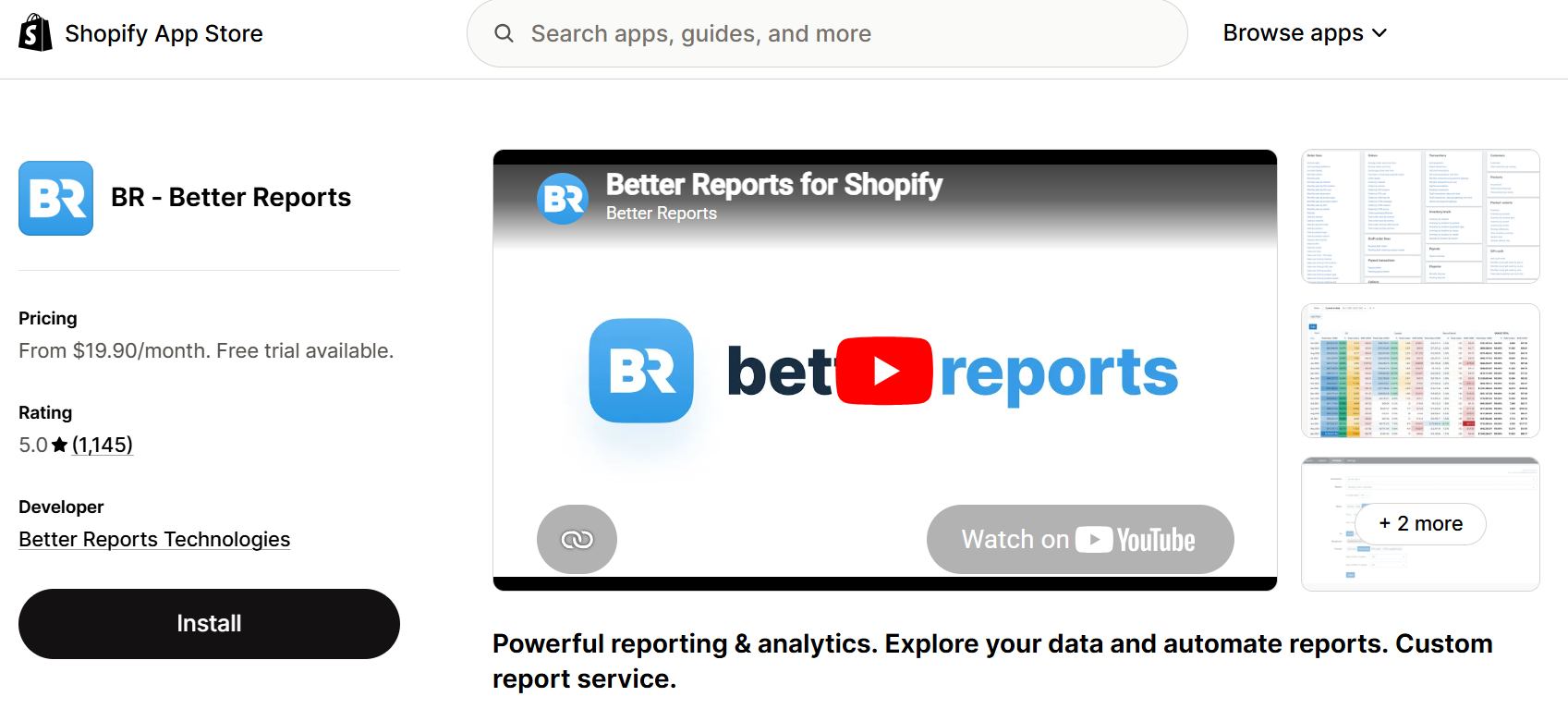
Better Reports gives you total control over your store numbers. If you are frustrated by the rigid reporting options inside Shopify, this app provides a clean layout where you can build almost any data table you need. I particularly enjoyed how flexible the drag-and-drop fields are when you need to combine sales data with inventory levels.
Pros:
- Drag-and-drop report creator lets you mix fields like inventory levels, vendor data, and sales locations.
- You can automate reports to send directly to your email or Google Sheets on a schedule.
- Highly responsive customer support will build custom formulas for you if you get stuck.
Cons:
- The design looks like an advanced spreadsheet rather than a modern, colorful dashboard.
This tool is ideal for brick-and-mortar merchants or high-inventory stores that require tailored, complex reporting for accounting and stock management.
1.8. Polar Analytics – Best for all-in-one unified dashboards
Polar Analytics automatically pulls data from Shopify, Google Analytics 4, your email marketing software, and all your ad platforms into one central hub. I found that it saves hours of manual data collection by eliminating the need to log into multiple platforms every morning.
Pros:
- Eliminates the need to log into ten different tabs to check daily performance metrics.
- Sends automated alerts via Slack or email when a specific metric drops below normal.
- Features clean, modern dashboards that are easy to share with your team.
Cons:
- Very expensive (from $750/month)
This tool is ideal for established, fast-growing brands that want to unite all their marketing, finance, and operational data into one single source of truth.
2. How to choose the right Shopify analytics app
Choosing an analytics tool depends entirely on your business goals and where your money goes each month. According to data management methodologies shared by the Harvard Business Review, you can narrow down your choice by evaluating a few specific factors:
- Primary marketing and data goals: Decide exactly what problem you want to solve. If you spend heavily on paid ads across Facebook and TikTok, you should prioritize multi-channel attribution tools like Triple Whale or NestAds. If your main challenge is keeping customers coming back, pick a retention tracker like heatmaps.
- The growth stage of your store: Match the tool to your current monthly order volume. Small or brand-new stores usually do not need expensive, enterprise-level data warehouses.
- Server-side tracking capabilities: Look for apps that offer first-party, server-side data collection. Since modern browser privacy updates and ad blockers frequently block standard JavaScript tracking, server-side tools ensure your conversion data stays accurate.
- Setup speed: Choose an app that fits your technical skill level. Some tools take weeks to configure and require data analysis skills, while others offer a simple, one-click installation.
FAQs: Shopify Analytics tool
Shopify tracks behavior using cookies, web pixels, and server-side logic to log user sessions. It captures store interactions — like page views, search terms, and product clicks — and organizes them into sequential milestones. This gives you a clear picture of the customer journey.
No, modern analytics apps are engineered to avoid slowing down your front-end customer experience. Most top-tier apps run through secure web pixels and APIs. This means the app code loads in the background after your main text, images, and buttons have already appeared on your visitor’s screen.
Shopify Analytics focuses heavily on financial data, and basic funnels. Third-party apps (like heatmaps or attribution tools) provide deeper, off-site customer behavior analysis. They offer advanced cross-channel marketing tracking, user session recordings, custom events, and advanced multi-touch attribution that Shopify’s native tool lacks.




 Facebook Advertising