







 Shopify Development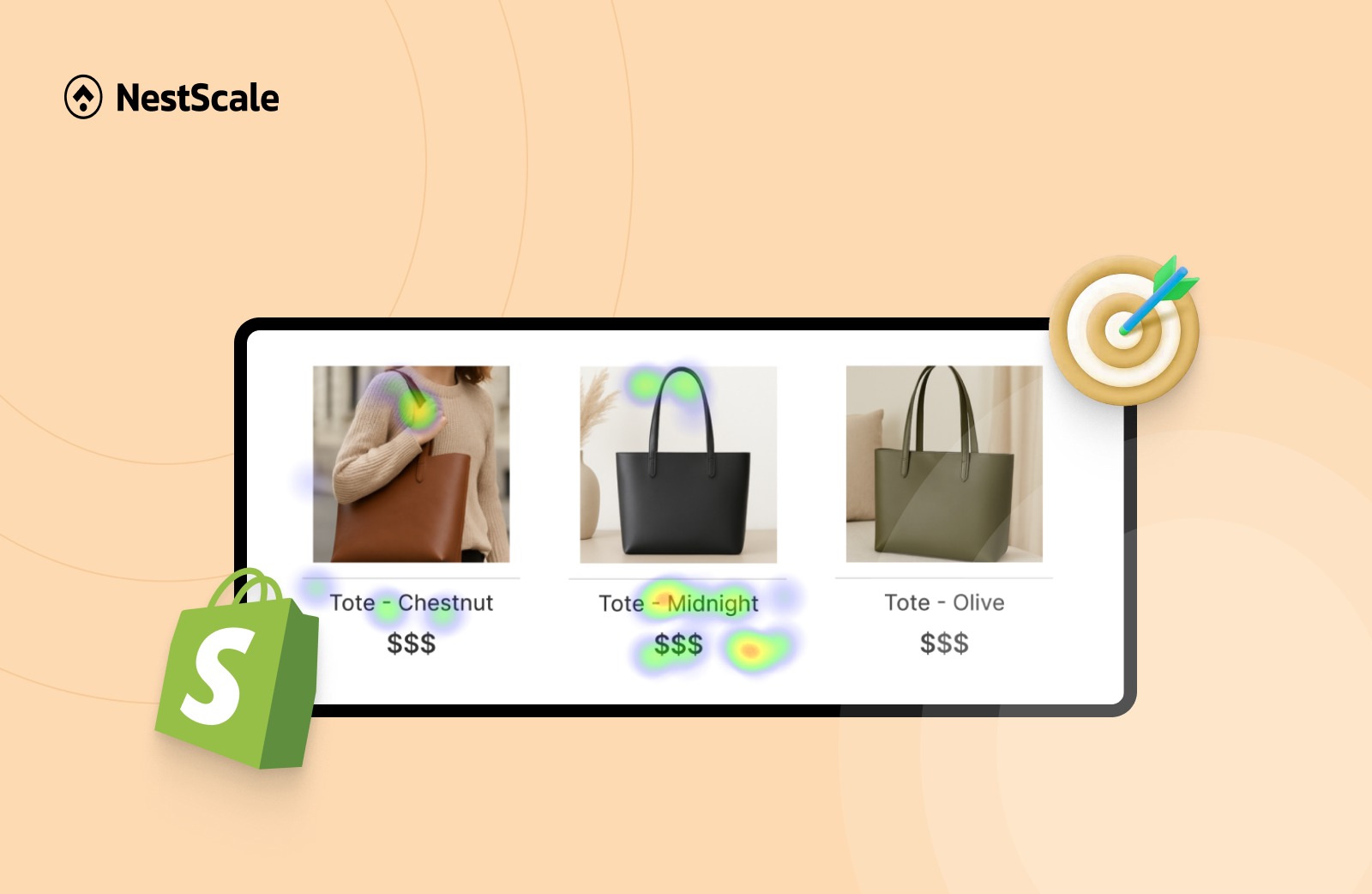
The biggest challenge for most Shopify merchants is a lack of customer insights. When you look at your basic Shopify dashboard, you know that people are leaving your store, but you cannot see why.
This is exactly where heatmaps and session recordings come into play. Shopify heatmap apps give you a visual representation of customer journey and help you see the exact friction points stopping your sales.
In this guide, I will take a transparent look at the top heatmap apps available for your Shopify store. I will break down their strengths, their weaknesses, and how you can use them to build a highly optimized storefront.
1. What to Look for in a Shopify Heatmap App
Before we dive into the specific apps, we need to establish clear evaluation criteria.
A good analytics tool should provide reliable data without ruining your customer experience. When you compare different apps, keep these five essential factors in mind.
- Impact on site speed: Any app has the potential to delay loading times. This directly lowers user experience, which is the opposite of what you are trying to do.
- Data accuracy: Standard website tracking tools often fail to capture interactions on interactive elements, such as pop-ups or slide carts. Make sure the app you pick can accurately map clicks on these elements.
- Ease of installation: Look for apps that offer a seamless one-click integration through the Shopify App Store. This prevents future conflicts with code, themes, and other apps on your store.
- Pricing structure: Pay close attention to how these apps bill you. Some plans restrict you based on your total monthly page views. Choose the right plan and the right app for your traffic volume.
Based on the four factors above, I have compiled a list of 5 best Shopify heatmap apps.
2. Top 5 Shopify Heatmap Apps Compared
To help you choose the right fit for your budget and growth stage, here is a high level overview of how the top five tools stack up against each other.
| App Name | Best For | Free Tier Available | Starting Price |
| Hotjar | Established global brands seeking user feedback | Yes | $39 per month |
| Lucky Orange | Merchants who want to watch live sessions and use integrated live chat | Yes | $19 per month |
| NS Revenue Heatmap & Replay | Growing stores needing to link user clicks directly to sales for CRO | Yes | Free |
| Microsoft Clarity | Beginners wanting to see session recordings for more customer insights | Yes | Free |
| Crazy Egg | Marketers looking to analyze behavior by specific traffic channels | No | $29 per month |
2.1. Hotjar
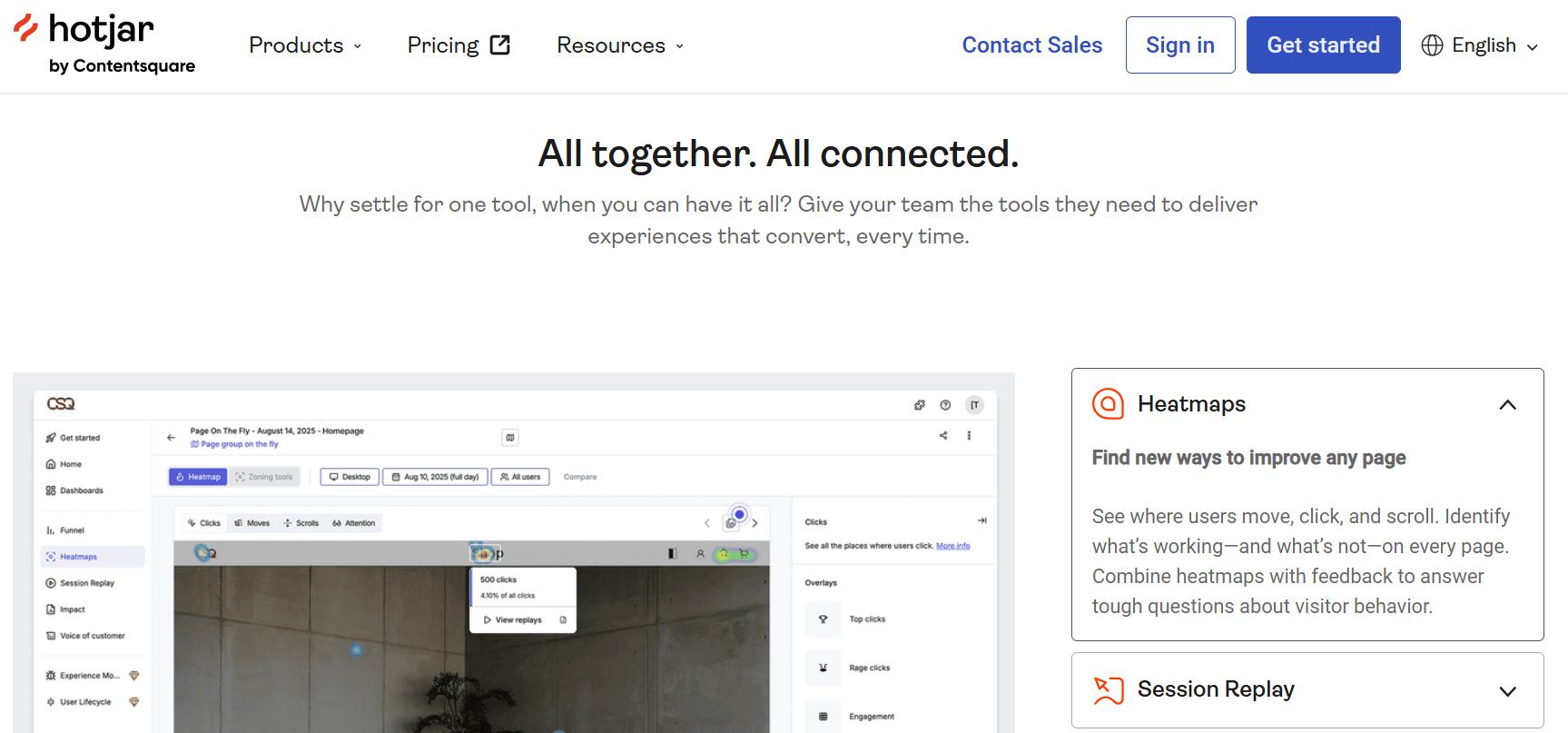
Hotjar is widely considered an industry standard across the wider web design world. It brings UX insights into a single ecosystem, giving you access to traditional click maps, scroll maps, and video session recordings.
The biggest advantage of Hotjar is the quick user feedback surveys right on your product pages. If someone is about to leave, you can trigger a poll to ask them why.
However, Hotjar is not a native Shopify application. This means you have to log into a separate dashboard outside of your Shopify admin to review your user data. If you want a tool specifically for Shopify CRO, Hotjar is not exactly easy to use.
| Pros | Cons |
| – Highly accurate click, scroll, and move tracking maps – Built-in user feedback widgets and survey forms – Good filtering options | – Free plan includes only basic features, premium plan starts from $39/month – External setup requiring a dashboard separate from Shopify |
👉 Who it is best for: Best for established, multi-channel e-commerce brands with a dedicated marketing or UX team. If you have the budget to afford premium tiers and want to have deep qualitative user feedback (like surveys and polls), Hotjar is the gold standard.
2.2. Lucky Orange
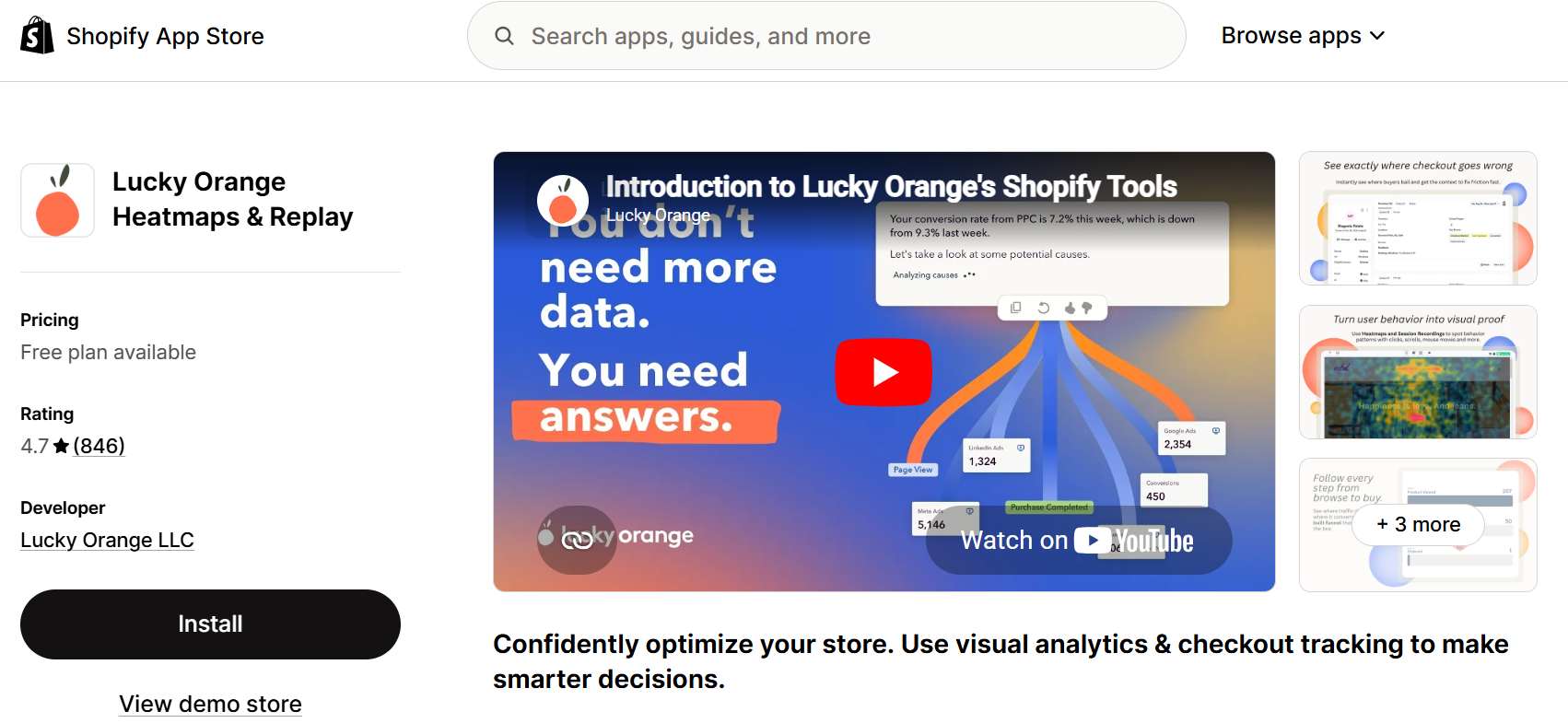
Lucky Orange is a great option because it was built from the ground up to sit inside the Shopify ecosystem. Like Hotjar, it provides session replays and click maps.
One of its standout features is the integrated live chat, meaning you can message a struggling customer directly to reduce cart abandonment on the spot.
However, launched since 2014, Lucky Orange has several limitations regarding usage and site performance. Lucky Orange operates much more like a continuous session recorder than a dedicated conversion optimization engine. Sorting through thousands of individual video replays to find meaningful trends can become a massive time sink for busy merchants.
| Pros | Cons |
| – Native Shopify app, trusted by many users – Live dashboards to watch visitor sessions in real time – Includes built-in interactive live chat tools | – Users reported app slows down website – Focuses on individual session recordings rather than big picture aggregate trends – Free tier only supports 100 visitors a month, hidden extra fees to expand session storage |
👉 Who it is best for: Store owners that want to watch live visitor sessions and use built-in live chat to stop cart abandonment in real time. Works best when you have an active customer support team.
2.3. NS Revenue Heatmap & Replay
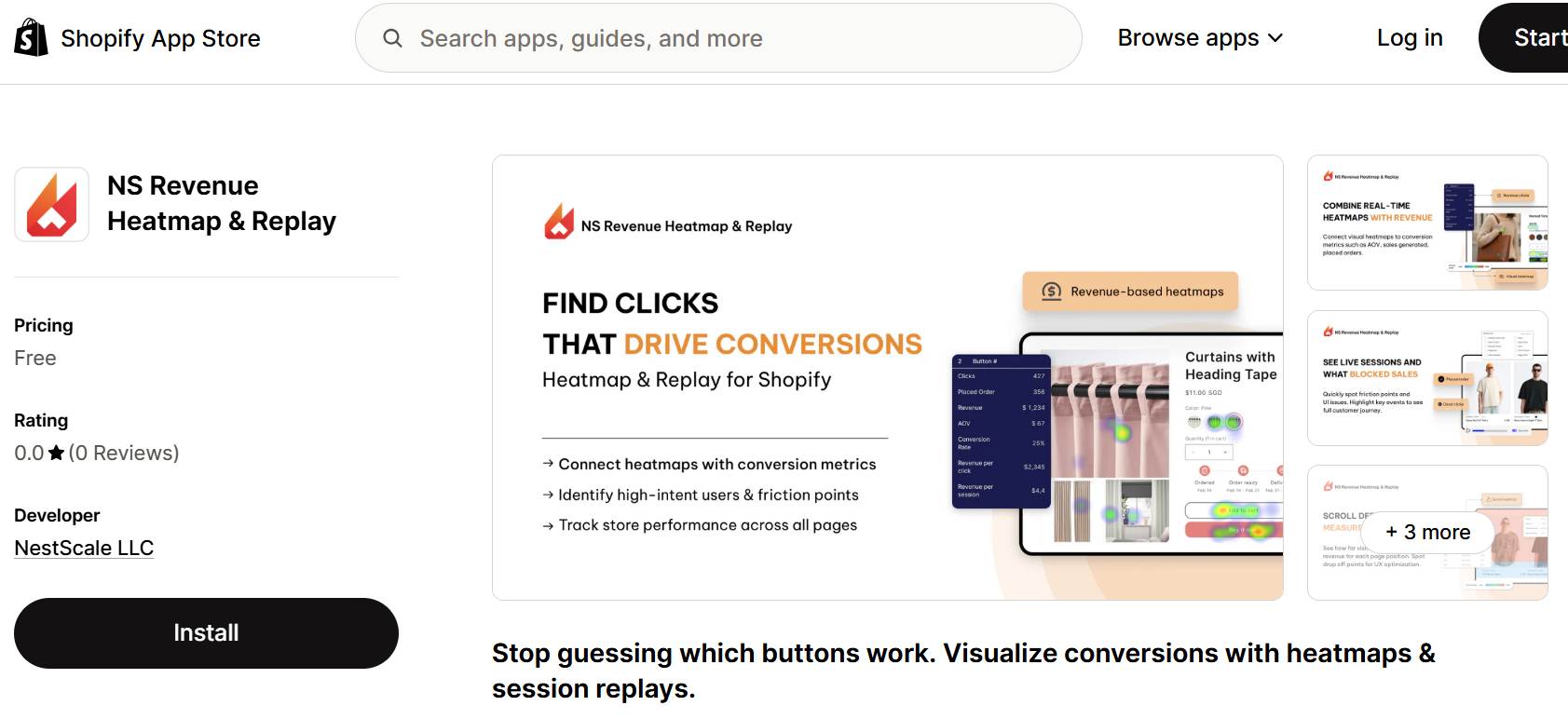
NS Revenue Heatmap and Replay is a new alternative tailored for regular merchants who want to focus on financial metrics.
The app tracks customer journeys and connects them directly to your key business metrics, such as revenue, placed orders, and conversion rate. It lets you segment customers based on key events, so tracking patterns leading up to purchases becomes easier.
This app is new to the market and is currently free to use, making it an incredibly high-value option for growing stores that want to see what heatmaps can do before fully committing to the tool.
| Pros | Cons |
| – Directly ties visual heatmaps to transaction and revenue metrics. – Highlight and filter customer by key events – High value features are accessible completely free of charge. | – New to the market – Lacks advanced enterprise testing suite features |
👉 Who it is best for: Best for growing, traffic-stable Shopify businesses focused on conversion rate optimization (CRO) and scaling revenue. This app is designed for ecommerce and regular merchants rather than a data-heavy software.
2.4. Microsoft Clarity
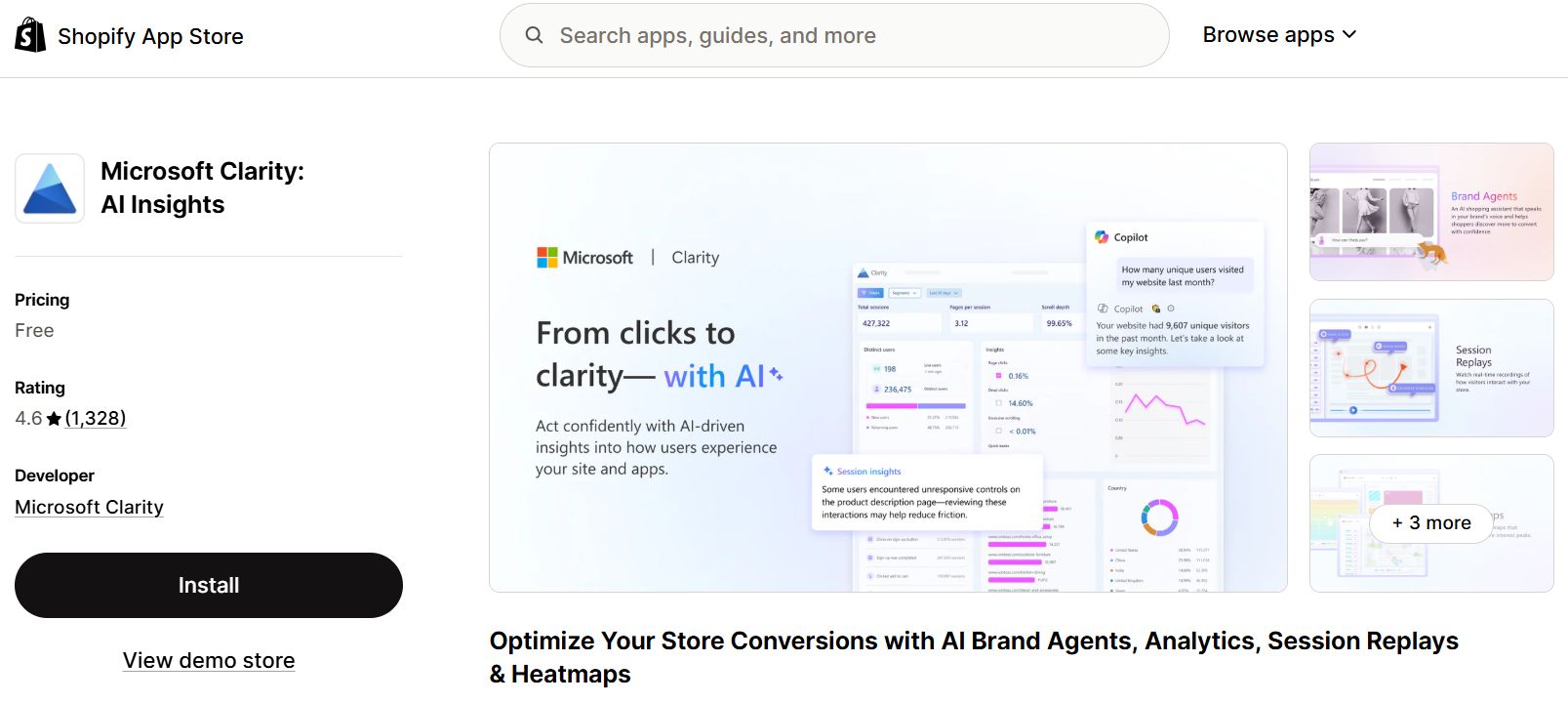
If you are operating on a tight budget, Microsoft Clarity is a good beginner’s choice. Backed by Microsoft, this tool is completely free with no session or traffic caps.
Aside from click maps, scroll depth tracking, and session replays. It also features a unique dashboard metric called rage clicks. This highlights areas where a user repeatedly clicks on a specific element in frustration, showing you exactly where your layout is broken or confusing.
The compromise here comes down to e-commerce specialization. Because it is a general website analytics tool, it lacks native Shopify revenue filtering. You cannot easily isolate maps based on your Shopify order history or specific cart variables.
| Pros | Cons |
| – Free to use with no session constraints. – Diagnostic metrics to flag user “rage clicks.” – Simple, lightweight integration | – Lacks native Shopify revenue or order history filtering – Not suitable for conversion rate optimization |
👉 Who it is best for: Best for startups or businesses on a budget. If you need clean, unlimited session recording and click maps to diagnose major layout issues or technical bugs, Clarity is the right choice.
2.5. Crazy Egg
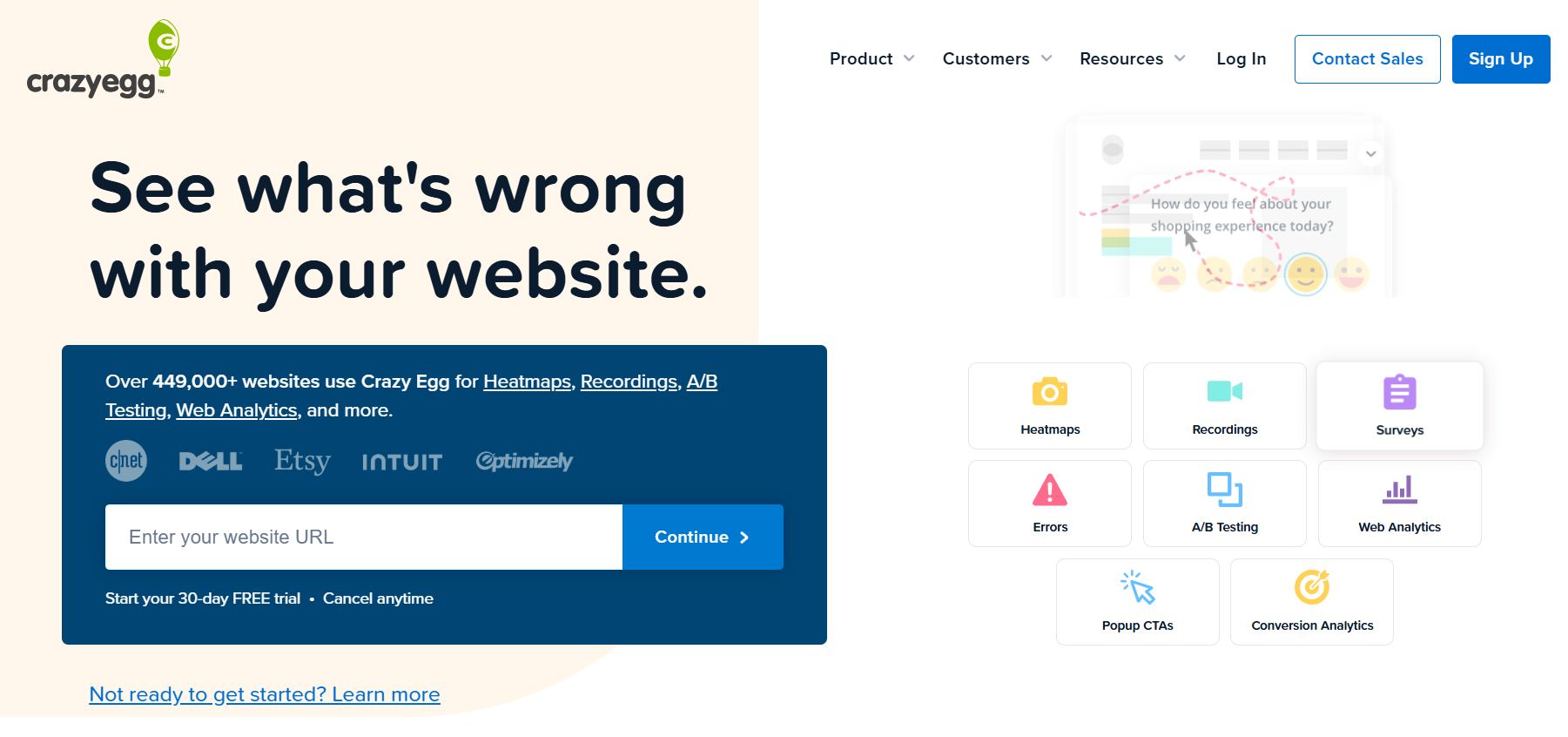
Crazy Egg is one of the oldest visual analytics tools on the web. It is famous for its proprietary Confetti heatmap layout.
Unlike traditional heatmaps that show a generalized red glow over popular areas, a Confetti map displays individual clicks as colored dots. You can color-code these dots based on where the visitor came from. For example, you can see if your paid Facebook Ad traffic clicks on your primary product video, while your organic Google search traffic skips the video and goes straight to your sizing chart.
The primary barrier to entry is the pricing model. Crazy Egg does not offer a permanent free tier, and their entry-level plan is priced higher than most other options on our list.
| Pros | Cons |
| – Proprietary “Confetti” view isolates clicks by traffic source – Simplifies side by side comparison of mobile vs desktop behavior – High quality visual layout reports | – Offers no permanent free tier option for merchants – Entry price points are relatively high for brand new stores |
👉 Who it is best for: Best for marketers running heavy paid acquisition campaigns across multiple channels. If a large portion of your budget goes to Meta, Google, or TikTok ads and you specifically need to segment customer behavior based on where that traffic originated, Crazy Egg is worth the price.
3. How to Use Heatmap Data to Increase Your Add-to-Cart Rate
Once you choose and install your heatmap, the real work begins. Collecting data is meaningless unless you use it to take action.
To step up your add-to-cart rates, look for trends across your store and run these three clear, practical optimization experiments:
- Check Scroll Depth on Product Pages: Open up your scroll map and look for the sharpest color changes. If your page shifts from bright red to dark blue right above your Add to Cart button, it means your primary call to action is buried too low. Customers are bouncing before they even realize where to buy. To fix this, pull your Add to Cart button higher up the page so it is visible immediately without scrolling.
- Identify Dead Clicks: Review your click map to see if users are hitting unlinked layout design elements. Frequently, shoppers will repeatedly click on a lifestyle image or a text bullet point expecting it to open a closer look or a detailed policy page. When nothing happens, they assume your site is broken. Clean this up by either turning those popular dead zones into clickable links, or restructuring the design so they do not look like buttons.
- Optimize Mobile Layouts: More than half of your ecommerce traffic is likely shopping on a mobile screen. Review your mobile-specific heatmaps carefully. You might find that your sticky email signup banner or promotional announcement bar is taking up 30% of a smartphone screen, physically blocking the customer from tapping the cart checkout path. Shrink or relocate these pop-ups to clear the path to purchase.
FAQs: Shopify Heatmap App
The best options are Shopify-native apps, such as NS Revenue Heatmap and Lucky Orange. They integrate with your Shopify store and prevent future conflicts with code and theme.
No, most modern apps use asynchronous loading. This means the script loads in the background after your store’s vital content (images, text, checkout buttons) has already rendered, preserving user experience.
Standard heatmap applications cannot track customer behavior or clicks inside native Shopify checkout pages. This limitation is a intentional security protocol built by Shopify to protect sensitive customer credit card details and personal information. Only enterprise brands operating on Shopify Plus can deploy custom tracking scripts inside the checkout process.
Revenue-based heatmaps connect user behavior directly to financial outcomes. By overlaying transaction data onto visual maps, they offer several key benefits:
– Identify key friction points: See exactly which ineffective elements are costing the most money.
– Optimize high-impact areas: reveal sections that drive sales.
– More accurate A/B testing: Prove the direct financial impact of any fixes.




 Facebook Advertising