







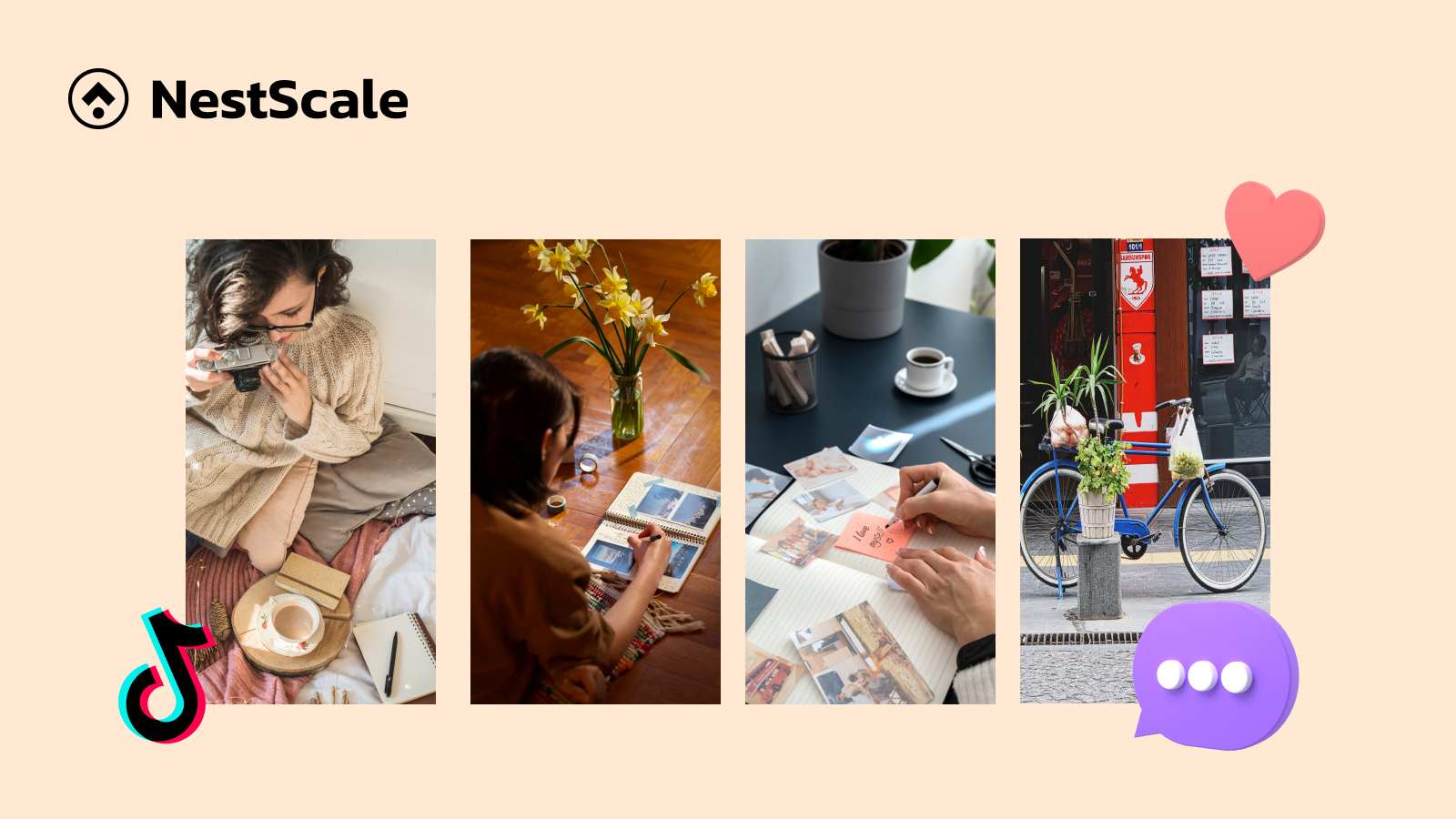
When TikTok introduced carousels, many people thought it was just a copy of Instagram. But creators and small business owners soon realized it is a way to share helpful information, connect with followers, and get great engagement without filming a video.
In this guide, I will share 20 practical TikTok carousel ideas with examples to help you post consistently and avoid creative burnout!
Do carousels do well on TikTok?
Yes, carousels perform really well on TikTok. They are actually one of the most underrated ways to reach people on the app and to repurpose your other content.
Creating videos takes time and effort. Because so many creators focus strictly on video editing, photo posts face less direct competition in the feed. When someone swipes through your photos, they naturally stay on your post longer. This extra dwell time signals to the TikTok algorithm that your content is interesting, which helps push it to more feeds.
The numbers support this too:
- TikTok photo carousels get up to 81% higher engagement and 82% more likes than standard video posts.
- TikTok reveals that photo carousels get up to 2.9 times more comments and 1.9 times more likes compared to regular videos.
- Swipeable posts get saved and shared more often, giving your account better long-term reach.
20 photo carousel ideas for TikTok (with examples)
Whether you are trying to gain more engagement or sell your products, carousels can help you. Just like short-form videos, carousels in TikTok should be simple and authentic.
Let’s see some of the most effective photo carousels on TikTok
1. “How to do this in 4 easy steps”
Break down a skill or task into clear photos. Viewers like bite-sized tutorials because they can read at their own speed without having to pause a video.
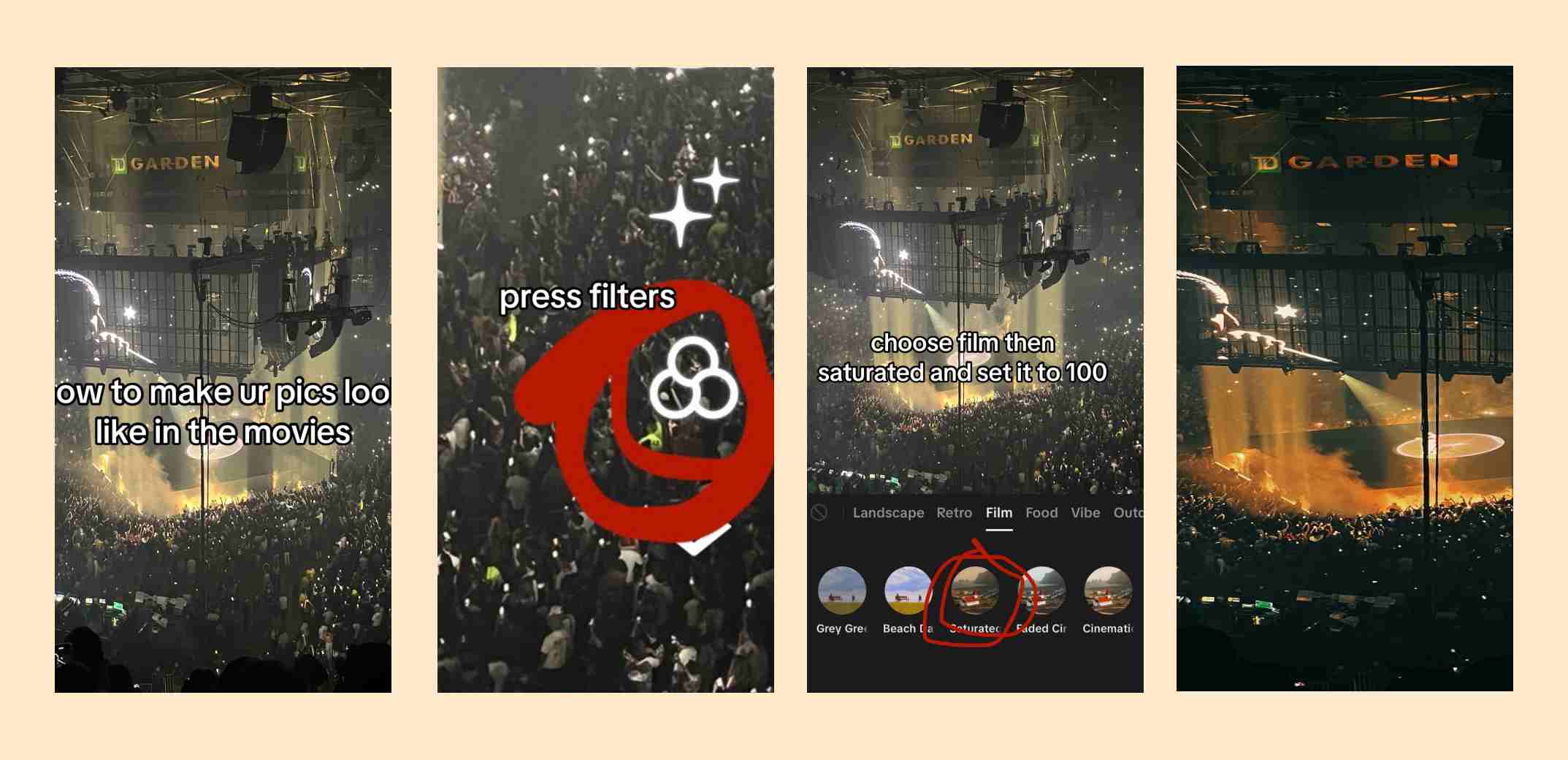
Tips: Don’t overcrowd the photo with text. Use one photo for each small step, which encourages the audience to swipe and engage more.
2. “Stop doing this”
Show a common mistake on slide one and the correct fix on slide two. People swipe through because everyone wants to make sure they are doing things right. For example, creators can show improper squat form versus good posture for workouts.
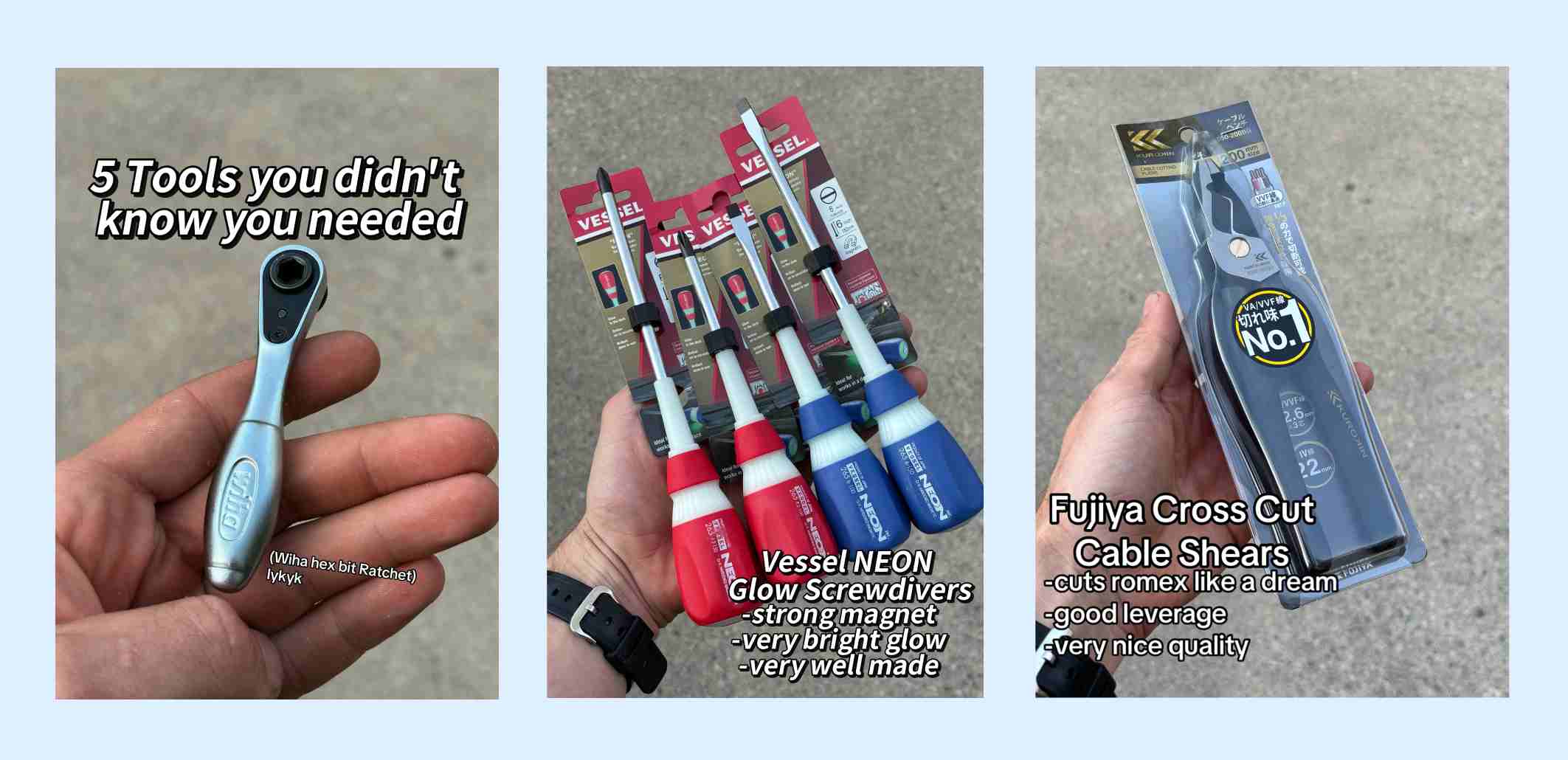
3. “My top 5”
Share a list of your favorite apps, websites, or products. Viewers save these posts so they can check out the recommendations when they have free time.
4. “Swipe to see the final reveal”
Start with a messy beginning state or a quick teaser, then reveal the finished result on the last slide. Curiosity drives people to swipe all the way through to the end.
Tips: Avoid weak cover images. Your first slide acts as the headline and thumbnail for your entire post, so make it interesting!
5. “Which one is actually better?”
Put two popular products or options side by side. Comparisons spark lively conversations because viewers love sharing their personal favorites in the comments.
6. “How I went from X to Y”
Share real photos from a goal or challenge in order. Being open about your real struggles and wins helps build trust with your followers.
7. “A day in my life”
Filming daily vlogs takes a lot of effort, but sharing a simple photo diary with timestamps is quick to make and feels authentic to viewers. Also, it’s perfect to build your personal brand, because a day in a life of people in different occupation or countries can vastly differ.
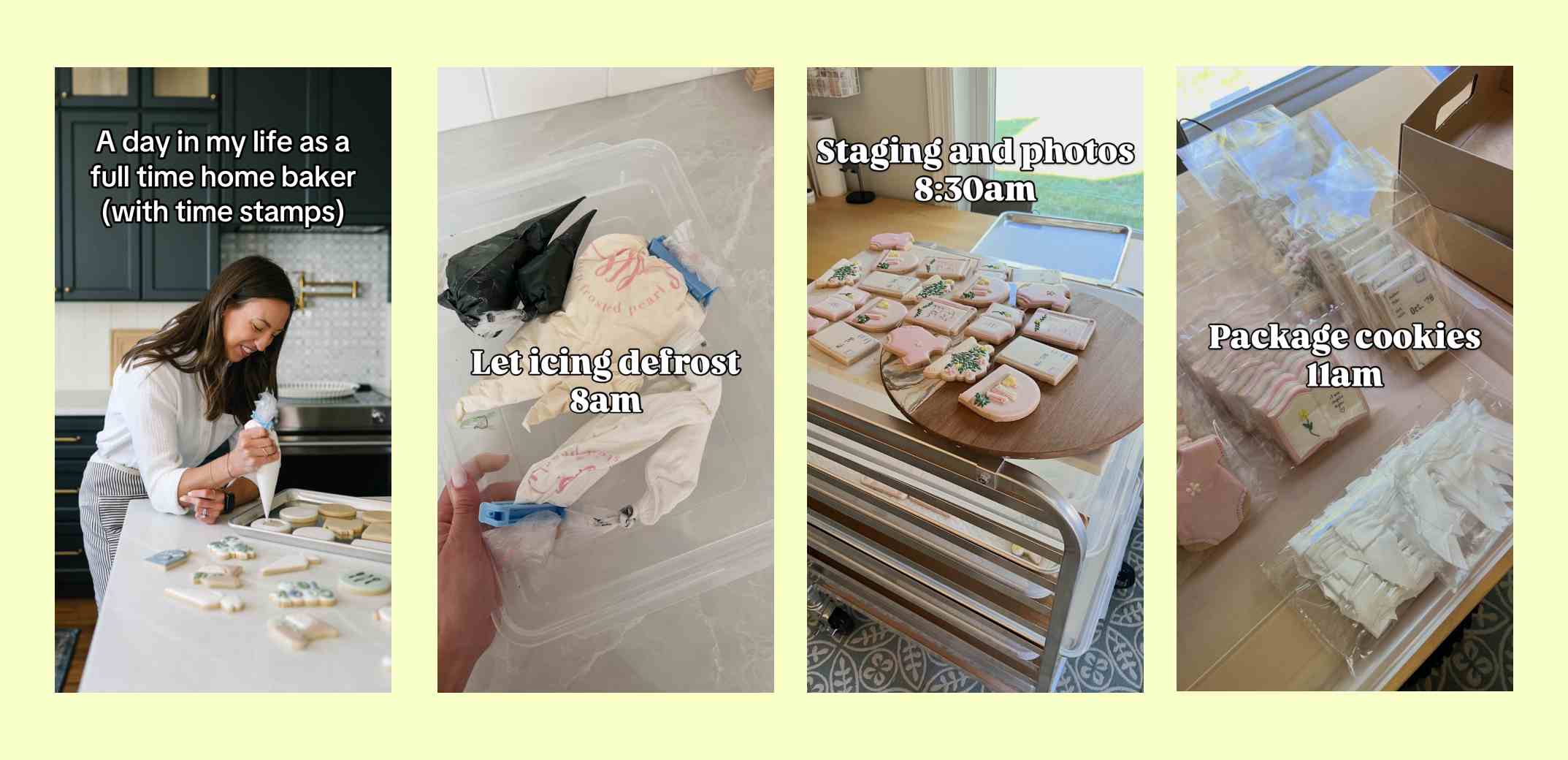
Tips: Don’t skip the audio. Choose a trending sound can help boost your carousel’s visibility.
8. “What actually happens behind the scenes”
Show raw photos of your prep work, messy desk, or mistakes before showing the final result. People enjoy seeing the effort that goes into your work.
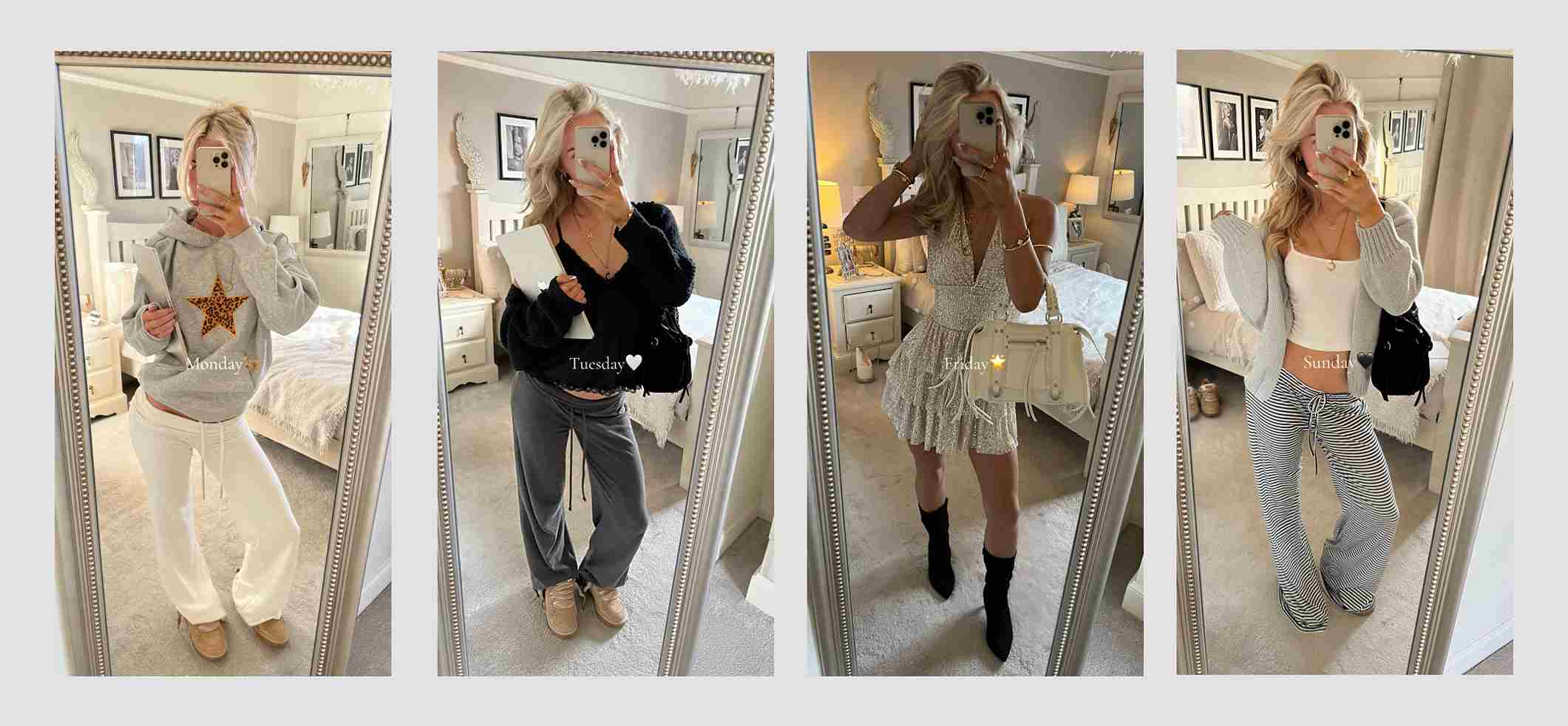
9. “7 days of outfits”
Gather photos around a simple weekly theme like daily outfits, meals, or favorite moments. It gives you a quick way to post without filming new clips every day.
10. “Unpopular opinion”
Write a bold opinion on slide one and explain your reasoning in simple text on the next slides. It gets people engaged and sharing their own thoughts in your comment section.
11. “5 details you missed”
This is a common format when creators want to discuss movies, TV series or trailers. You can easily spark conversations this way, encouraging the viewers to share what they noticed too.
12. “What real customers are saying”
Pair customer photos with short quotes from their reviews. Or simply things that customers often say to you about your products. This is both a way to boost trust, and to reply to common customer feedbacks.
13. “My current wishlist”
Curate a list of recommended products based on a theme or budget. Viewers save these posts for later when they need shopping or gift ideas.

14: “Something new is coming…”
Show teasers of fabric, colors, or packaging before revealing the full product on the final slide. Teasing a product builds excitement before launch day.
15. “Spotted in the wild”
Re-post photos created by your customers and tag their handles. It shows appreciation for your buyers and encourages others to tag your brand too.
16. “Can you guess where this is?”
Ask a question on slide one and show the answer on the final slide. Curiosity pushes viewers to swipe all the way through to check their guess.
17. Relatable memes
Use funny or relatable photos to show everyday situations in your niche. Relatable posts get shared often in direct messages between friends. Example: A series of photos illustrating different reactions to morning alarms.

18. “I tried this so you don’t have to”
Start with an interesting test or question and show the final result on the last slide. People naturally swipe to see how things turned out.
19. “4 stats that will surprise you”
Turn interesting facts or research numbers into simple graphic slides. Clear visual data is easy to read and simple to share with others. For example, creators can share 4 quick trends in small business growth for this year.
20. “Find the 3 differences”
Put two pictures side by side and challenge viewers to find subtle changes. Visual games encourage viewers to spend more time looking closely at your post.
How to make carousels on TikTok
Making a carousel on TikTok is fast and straightforward:
- Tap the + button at the bottom of the screen and select Upload.
- Tap Select multiple and pick your photos in the exact order you want them to appear.
- Make sure the toggle at the bottom is set to Photo mode.
- Pick a sound from the audio library, write your caption, and tap Post.
Technical specs and visual tips
Here are some common best practices you should follow:
- Use vertical photos in a 9:16 aspect ratio (1080 x 1920 pixels).
- Keep text away from the bottom area where captions sit and the right side where interaction buttons are placed.
- Stick to high-contrast text so your slides are easy to read while scrolling.
FAQs about carousels on TikTok
You can upload up to 35 photos, but posts with 5 to 8 photos usually perform best without overwhelming the viewer.
No, once a carousel is published on TikTok, you cannot add, remove, or reorder the individual images without re-uploading the post.
Great TikTok slideshow ideas focus on delivering quick visual value through step-by-step tutorials, transformation reveals, resource lists, or daily photo logs. These simple formats perform well because they package helpful information into swipeable slides that increase viewer dwell time and encourage saves.
Content that works best in carousels includes educational guides, product comparisons, curated recommendations, and story-based photo dumps. These topics thrive in photo mode because viewers can take their time reading and inspecting visual details without needing to pause a moving video.
TikTok’s Creator Rewards Program does not pay directly for photo carousels, as official program payouts require videos over one minute long. However, carousels remain very profitable through indirect channels like TikTok Shop, brand sponsorships, affiliate links, and driving traffic to your own business.