








Why you need specialized tools for TikTok marketing
Growing on TikTok takes effort. You have to post videos regularly, edit clips quickly, and reply to comments before viewers move on.
Doing all of this work by hand gets exhausting very fast. That is where TikTok marketing tools help. They handle the repetitive tasks in the background so you can spend your time making great content.
These are 3 main types of TikTok marketing tools:
- TikTok creation tools: help you edit and refine videos
- TikTok scheduling tools: help you automate posting on and get engagement report
- TikTok advertising tools: help you track ROAS, ad creative performance
Quick summary of the top TikTok tools
Here is a quick look at all twelve tools, what they do best, and what they cost:
- CapCut: Quick video editing and trending effects
- ManyChat: Auto-replies for comments and direct messages
- Opus Clip: Turns long videos into short TikTok clips
- TikTok Creative Center: Free official tool for finding trends and music
- NestAds: Easy TikTok ad tools for online stores
- Hootsuite: Full social media management for teams
- Buffer: Simple and cheap post scheduler
- Brand24: Tracks what people say about your business
- Upfluence: Finds creators to promote your products
- Vista Social: Automatic video posting and comment options
- TrendTok: Mobile app for catching viral sounds early
- Loomly: Visual calendar for team and client approvals
CapCut
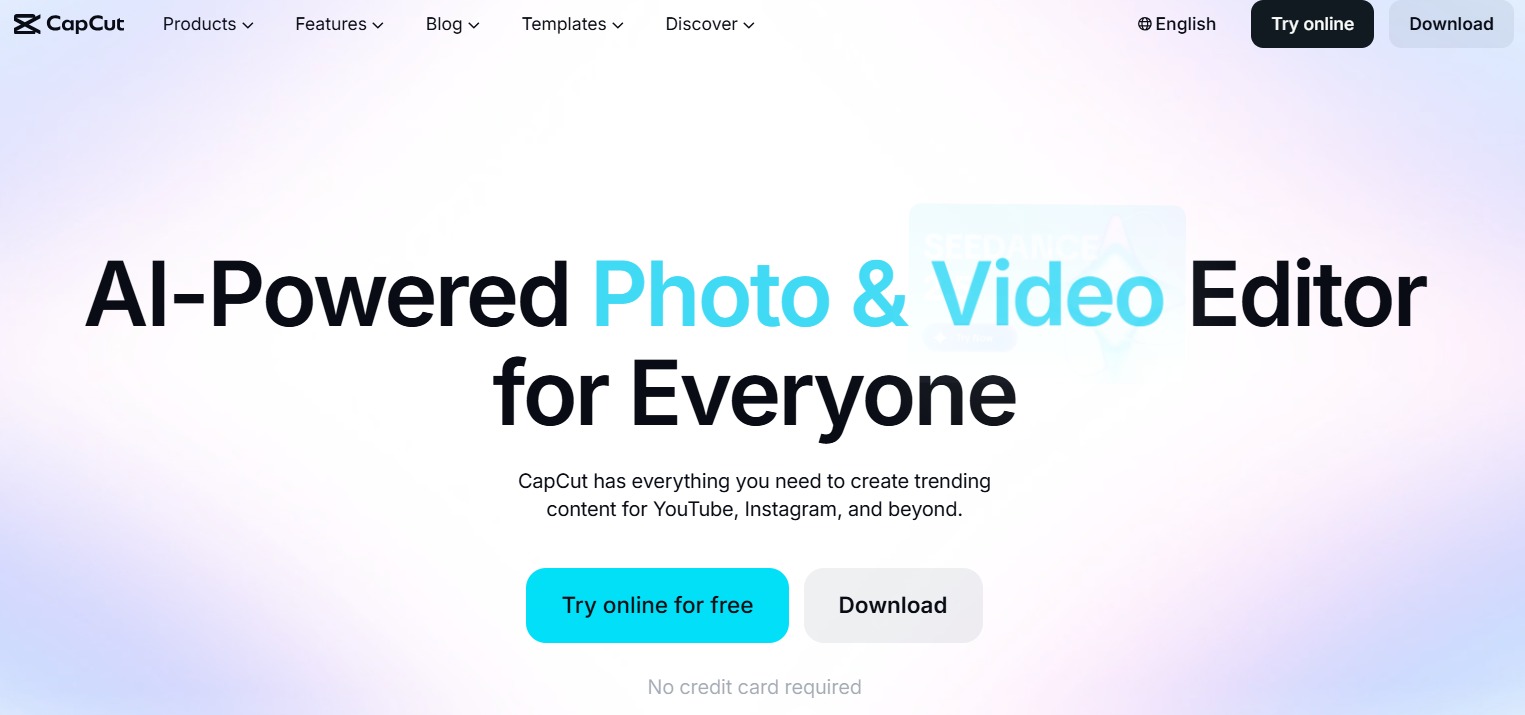
CapCut is the official video editor created by ByteDance, the company that owns TikTok. Because both apps are made by the same company, CapCut gets popular sound effects, audio clips, and editing styles before other apps.
Here is what you can do with CapCut:
- Add readable captions to your videos with one tap.
- Remove video backgrounds cleanly without needing a green screen.
- Use pre-made video templates to join new trends quickly.
- Export clean videos straight to TikTok without any watermark.
Who is this for: Solo creators, business owners, and anyone who wants to edit videos quickly on a phone or desktop.
Pricing: Free plan available; CapCut Pro costs $19.99 per month.
The feature I like best: The automatic caption tool saves you a lot of manual typing time.
ManyChat
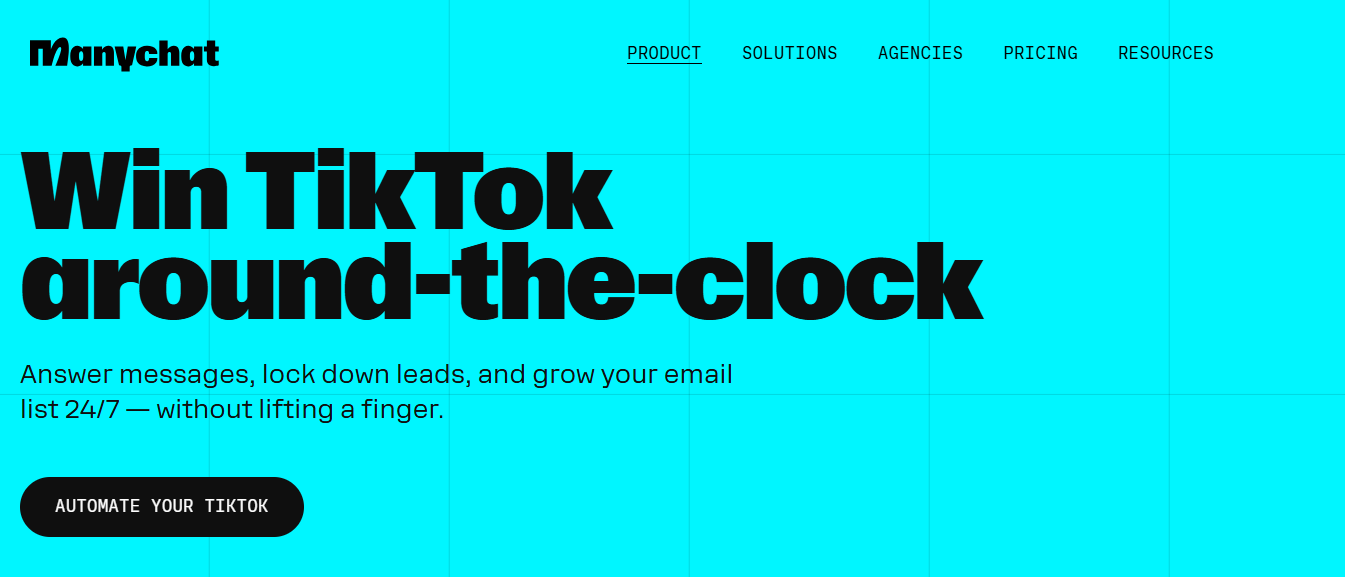
ManyChat lets you send automated direct messages to people who comment on your videos. When you tell viewers to leave a specific word in the comments, ManyChat sends them a private message with your website link or discount code instantly.
Here is what you can do with ManyChat:
- Send automated messages whenever someone types a keyword in your comments.
- Collect email addresses inside the TikTok message screen.
- Set up simple chat flows to answer everyday questions about your products.
- Track link clicks to see how many sales your messages bring in.
Who is this for: Online shop owners, digital creators, and businesses selling products through video.
Pricing: Free plan for up to 25 contacts per month; Paid plan start at $14 per month.
The feature I like best: It sends link replies automatically while your video is getting views.
Opus Clip
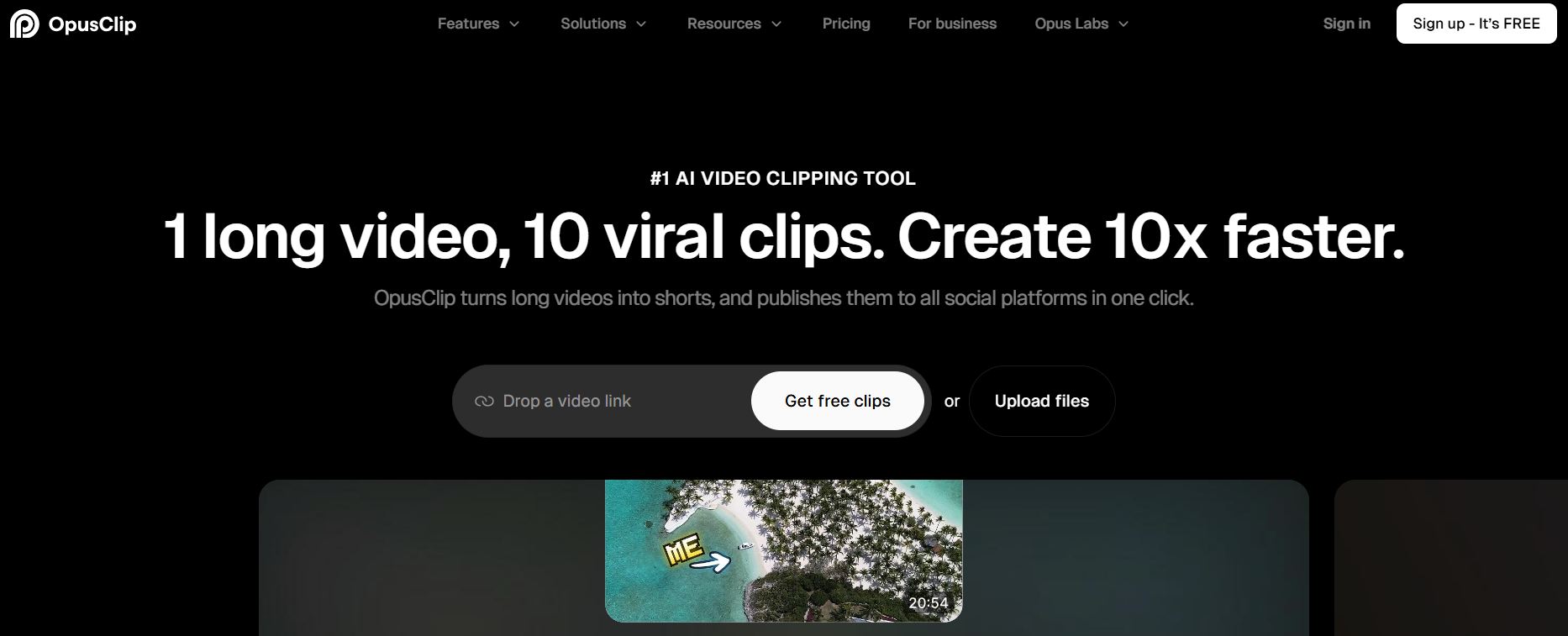
Got long videos on YouTube or a recorded podcast? Opus Clip turns those long videos into short TikToks automatically. It listens to your audio, finds the best parts, and cuts them into vertical clips ready to post.
Here is what you can do with Opus Clip:
- Find strong video hooks without watching hours of footage yourself.
- Keep the speaker centered in the vertical frame automatically.
- Add colorful, moving captions that grab attention quickly.
- Insert extra video clips to keep your videos fast and interesting.
Who is this for: Podcasters, teachers, and creators who want to reuse their long videos.
Pricing: Paid plans start at $15 per month.
The feature I like best: It gives each clip a score so you know which ones have the best chance of going viral.
TikTok Creative Center
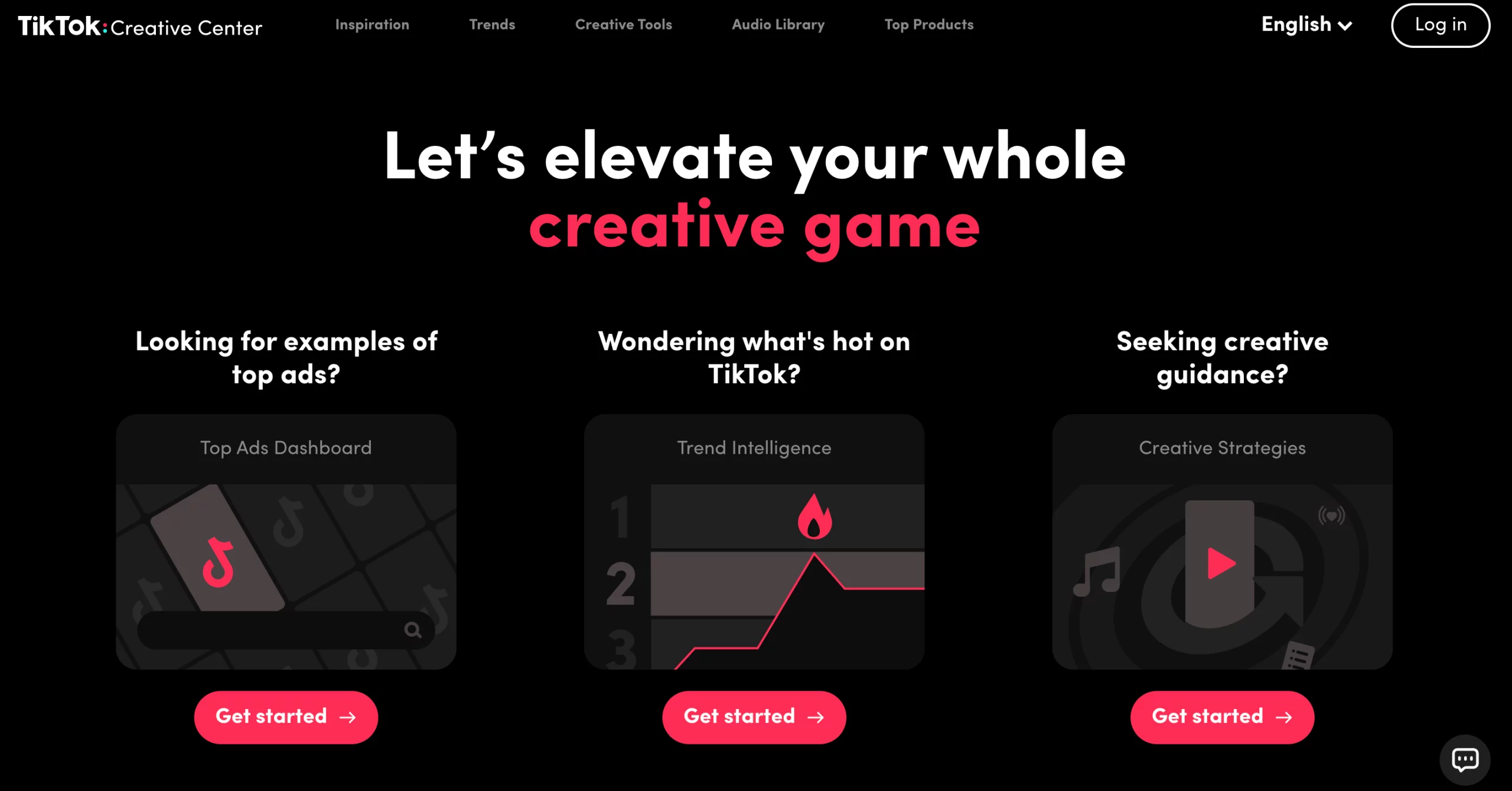
TikTok Creative Center is a free website made directly by TikTok. It shows you what songs, hashtags, and video styles are working best on the app right now.
Here is what you can do with TikTok Creative Center:
- Look up top hashtags and songs by country or business category.
- Watch popular ads in your industry to see how they capture attention.
- Spot rising music trends before everyone else uses them.
- See basic details about who is watching different types of content.
Who is this for: Anyone who wants free, reliable trend research straight from TikTok.
Pricing: Completely free.
The feature I like best: The top ads library shows you real examples of ads that are making sales right now.
Further reading: 7 Ways to Use TikTok Creative Center to Create Better Ads
NestAds
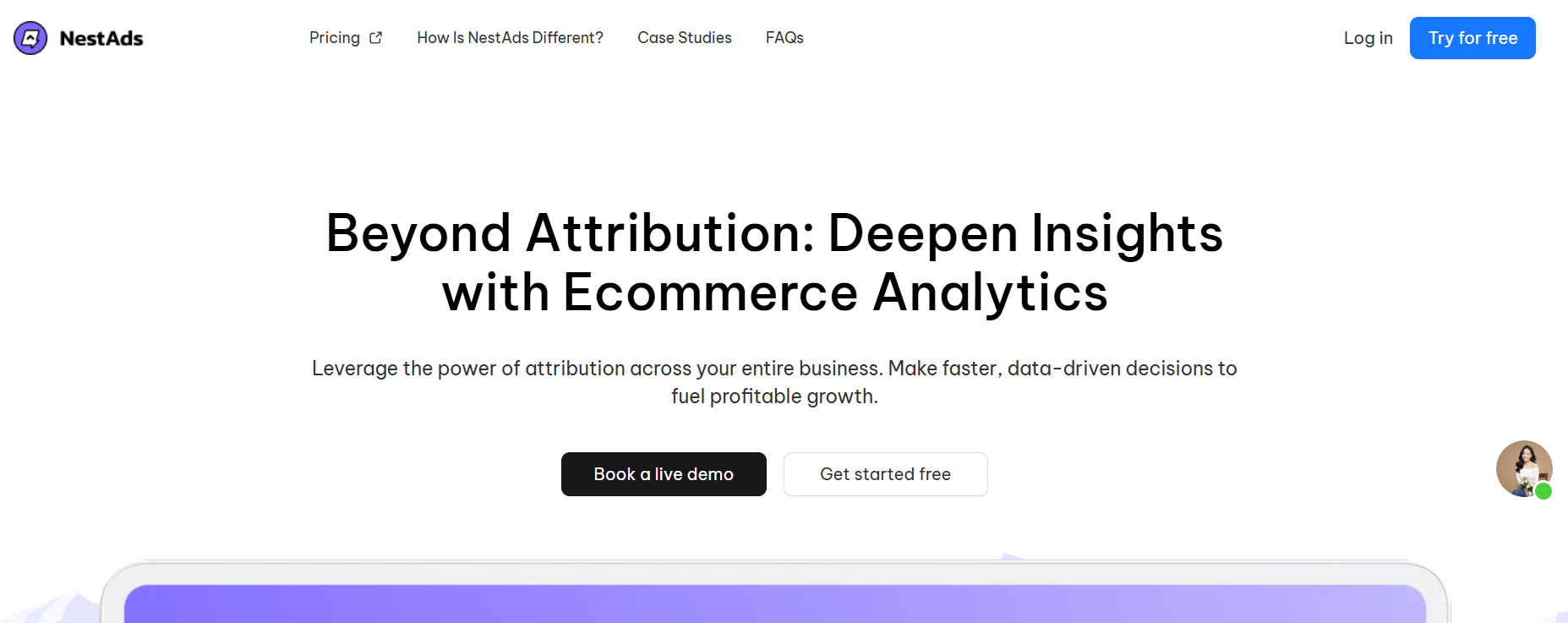
NestAds helps online stores create and track TikTok ads. It keeps the setup simple so you do not get confused by complex ad settings, helping you see exactly which ads generate sales.
Here is what you can do with NestAds:
- Set up sales-focused TikTok ads using basic step-by-step forms.
- Track customer visits from the first click to the final purchase.
- Test different video ads to see which one performs best.
- Connect your store data directly to your ad account.
Who is this for: E-commerce store owners running paid TikTok ads to sell products.
Pricing: Free plan available; paid plan is $129.99 per month.
The feature I like best: It makes ad setup simple so you do not waste money on wrong targeting options.
Hootsuite
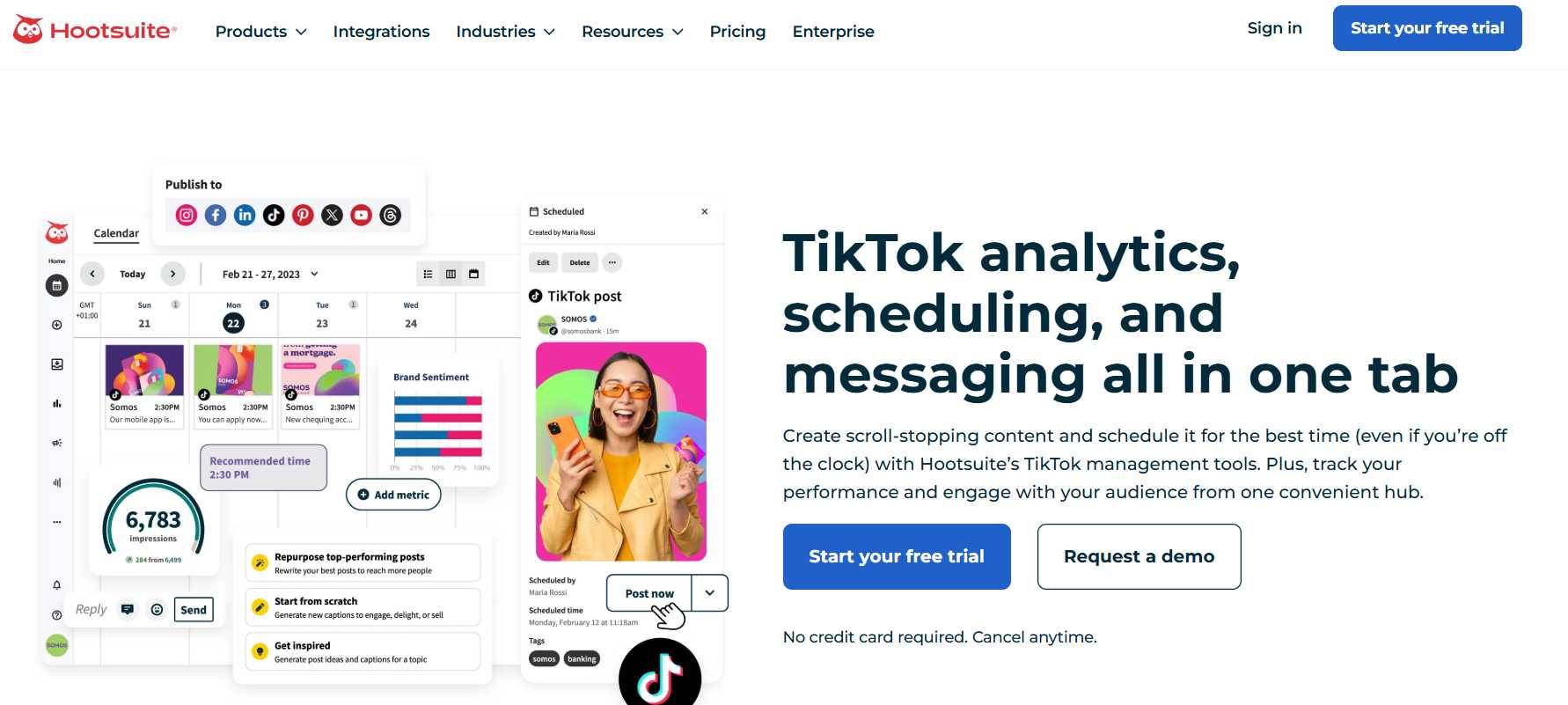
Hootsuite gives you a single place to plan your posts and manage your TikTok account. It is built to help you run your whole social media schedule without jumping between different apps.
Here is what you can do with Hootsuite:
- Schedule your TikTok videos ahead of time so you always post consistently.
- See the best times to publish so more people watch your videos.
- Use an AI assistant to get video ideas and write captions.
- Answer comments from one simple inbox.
- Check your views and likes to see what content works best.
Who is this for: Marketing teams, small businesses, and agencies running social media for clients.
Pricing: Starts at $99 per month after a 30-day free trial.
The feature I like best: The shared inbox makes replying to comments quick and easy.
Buffer
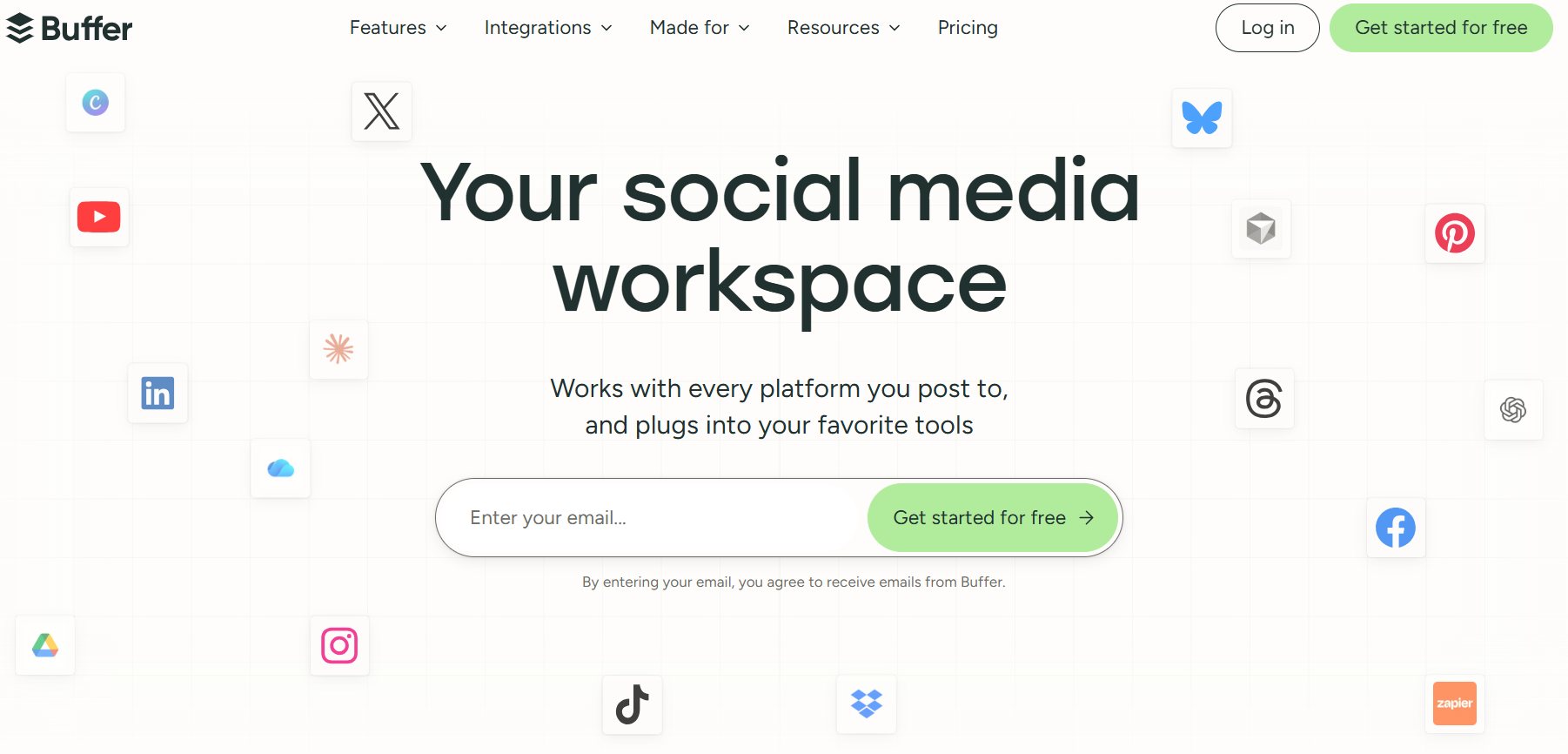
Buffer is a clear, low-cost social media scheduler. If you want a simple way to plan your TikTok posts ahead of time without extra clutter, Buffer is a great option.
Here is what you can do with Buffer:
- Set your videos to post to TikTok automatically at set times.
- Look at a simple calendar to organize your weekly posts.
- Draft your titles and store your favorite hashtags for later.
- Check basic view counts and likes to track your growth.
Who is this for: Solo business owners and creators who want a low-cost, easy scheduler.
Pricing: Free plan for up to 3 social accounts; paid plans start at $6 per month.
The feature I like best: The clean layout makes scheduling a week of posts take just a few minutes.
Brand24
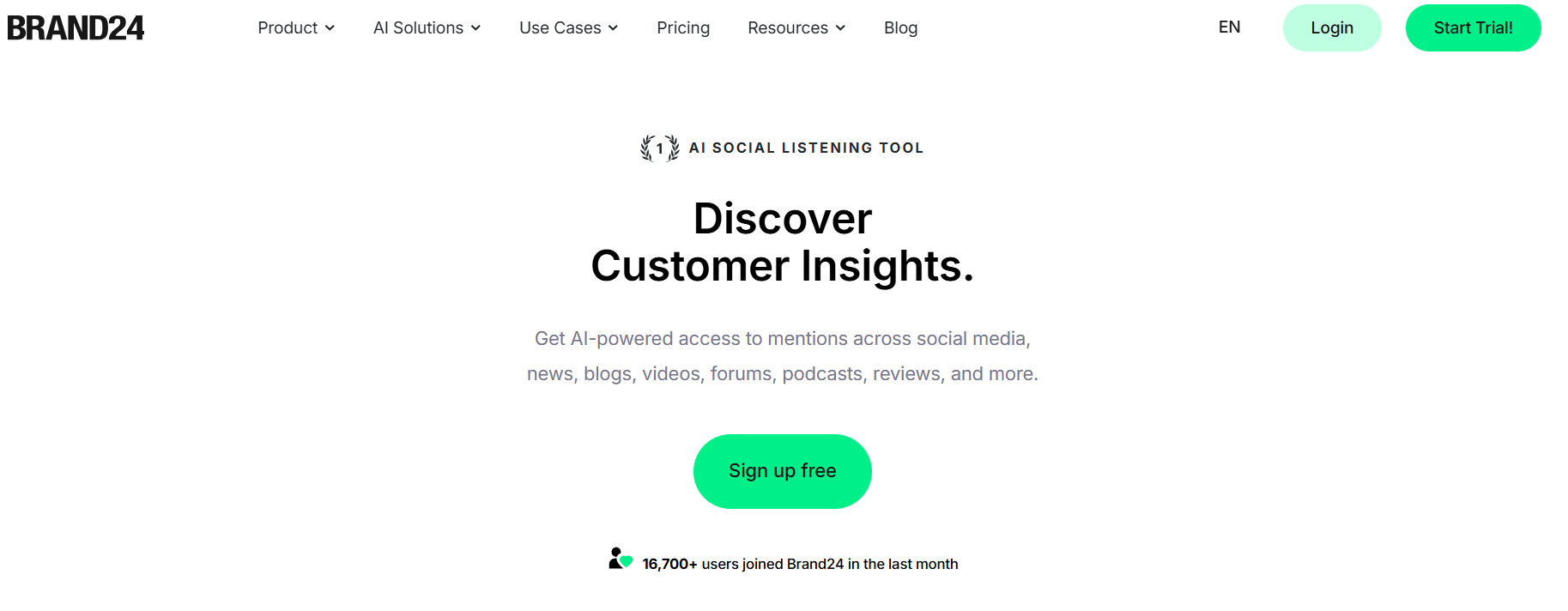
Brand24 tracks what people say about your business or products on TikTok. It helps you catch customer feedback, user videos, and questions as soon as they are posted.
Here is what you can do with Brand24:
- Track mentions of your brand name or campaign hashtags.
- See if customer comments are positive, negative, or neutral.
- Find popular creators who are already talking about your business.
- Measure how many people saw posts about your product.
Who is this for: Growing business owners and brand managers who want to keep up with customer feedback.
Pricing: Starts at $249 per month after a free trial.
The feature I like best: It alerts you quickly if people start leaving unhappy comments on a video.
Upfluence
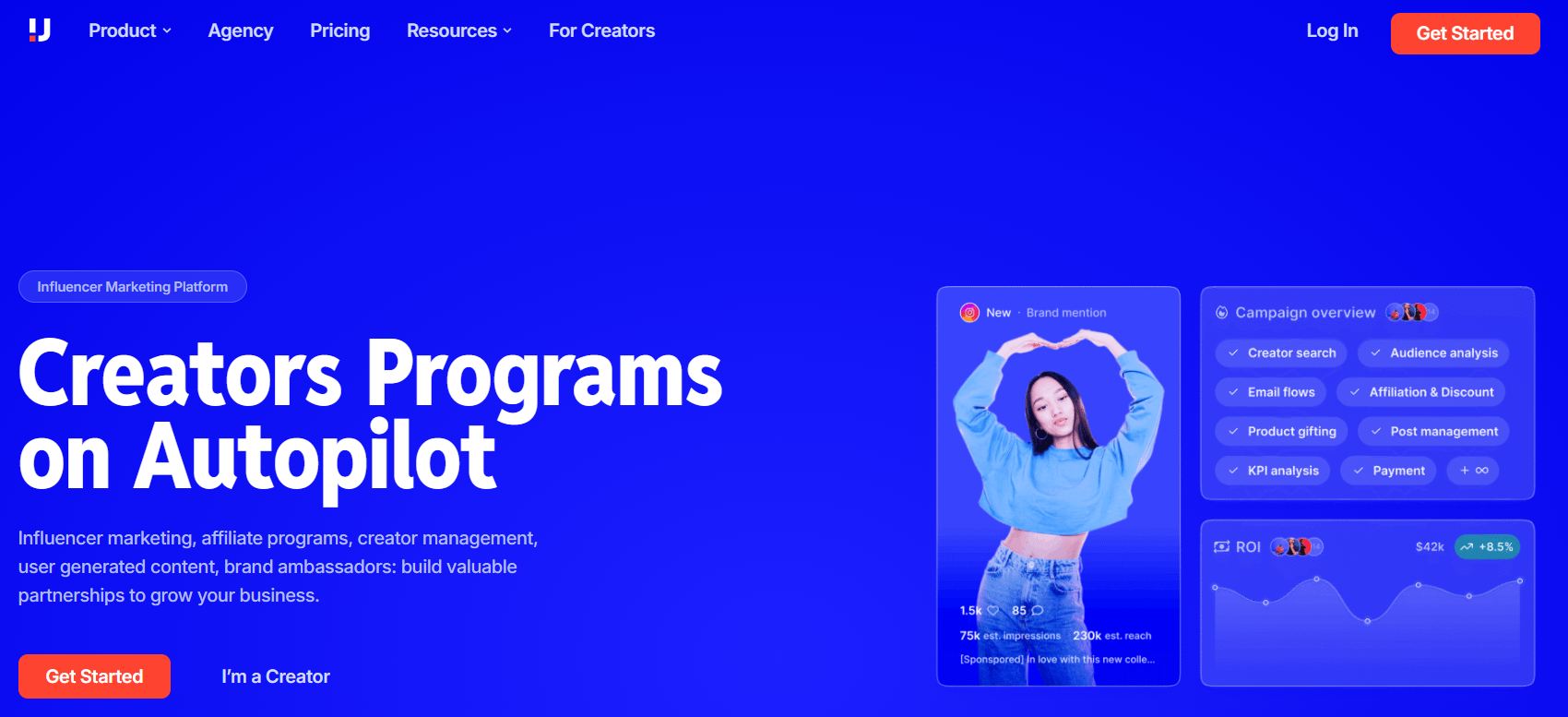
Upfluence helps you find TikTok creators to promote your products. It connects directly to online stores like Shopify, showing you if a creator is already a customer of your business before you reach out to hire them.
Here is what you can do with Upfluence:
- Search for verified TikTok creators by audience size, location, and topic.
- Send messages and manage creator deals in one place.
- Ship products to creators through your online store setup.
- Track custom discount codes to see which creators drive real sales.
Who is this for: Online stores and brands looking to run paid creator partnerships.
Pricing: Custom pricing based on your business size.
The feature I like best: The store integration helps you find real fans who already love your products.
Vista Social
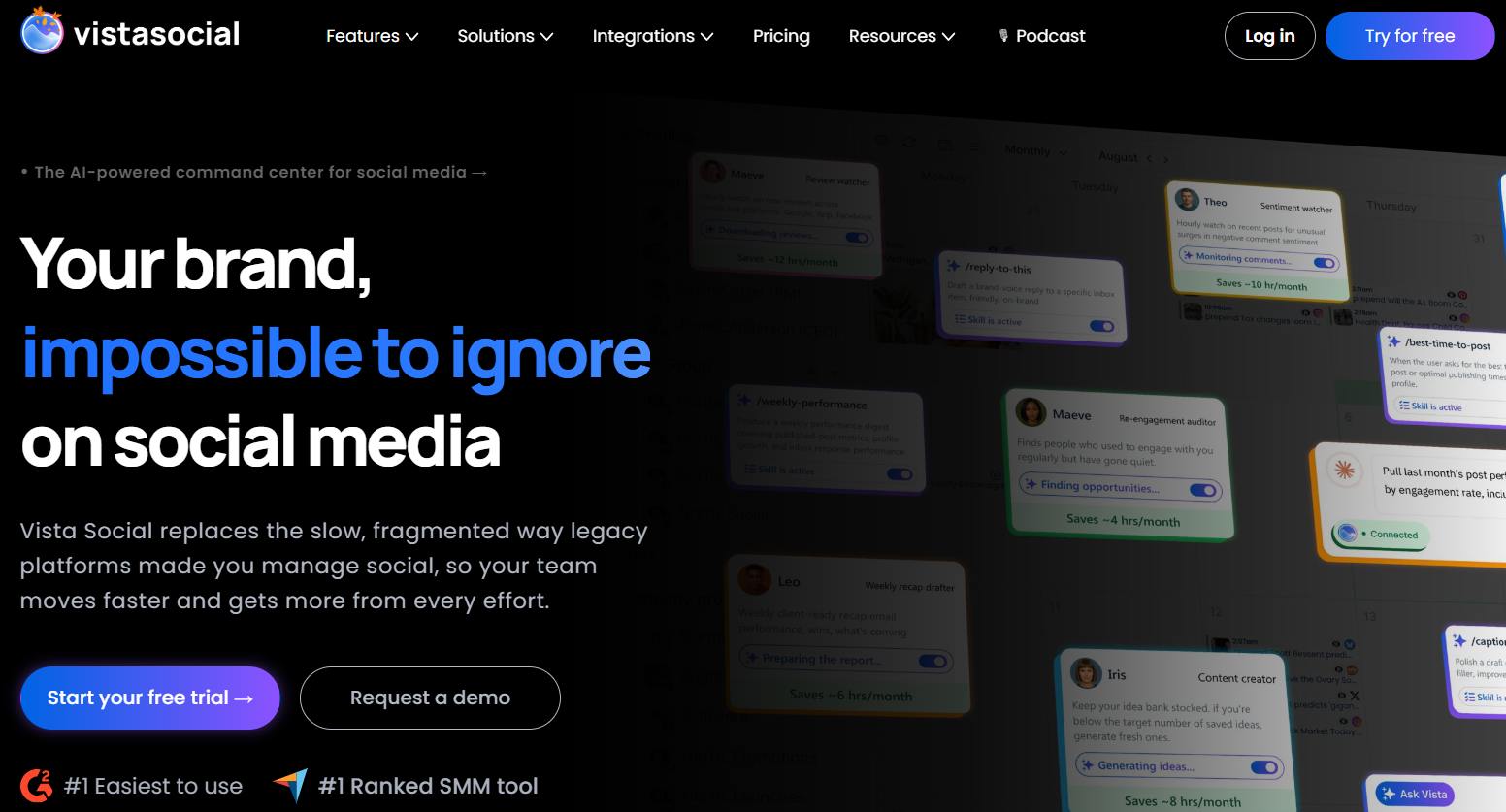
Vista Social is an easy-to-use social management tool. It handles direct auto-publishing to TikTok, meaning your videos post on their own without requiring you to approve them on your phone.
Here is what you can do with Vista Social:
- Post videos to TikTok automatically from your computer screen.
- Leave an automated first comment on your post to share links or hashtags.
- Tag user accounts and locations in scheduled videos.
- Manage comments and direct messages in a shared inbox.
Who is this for: Social media managers and business owners who want reliable auto-posting.
Pricing: Starts at $79 per month with a free trial.
The feature I like best: Auto-commenting lets you add extra details without cluttering your main caption.
TrendTok
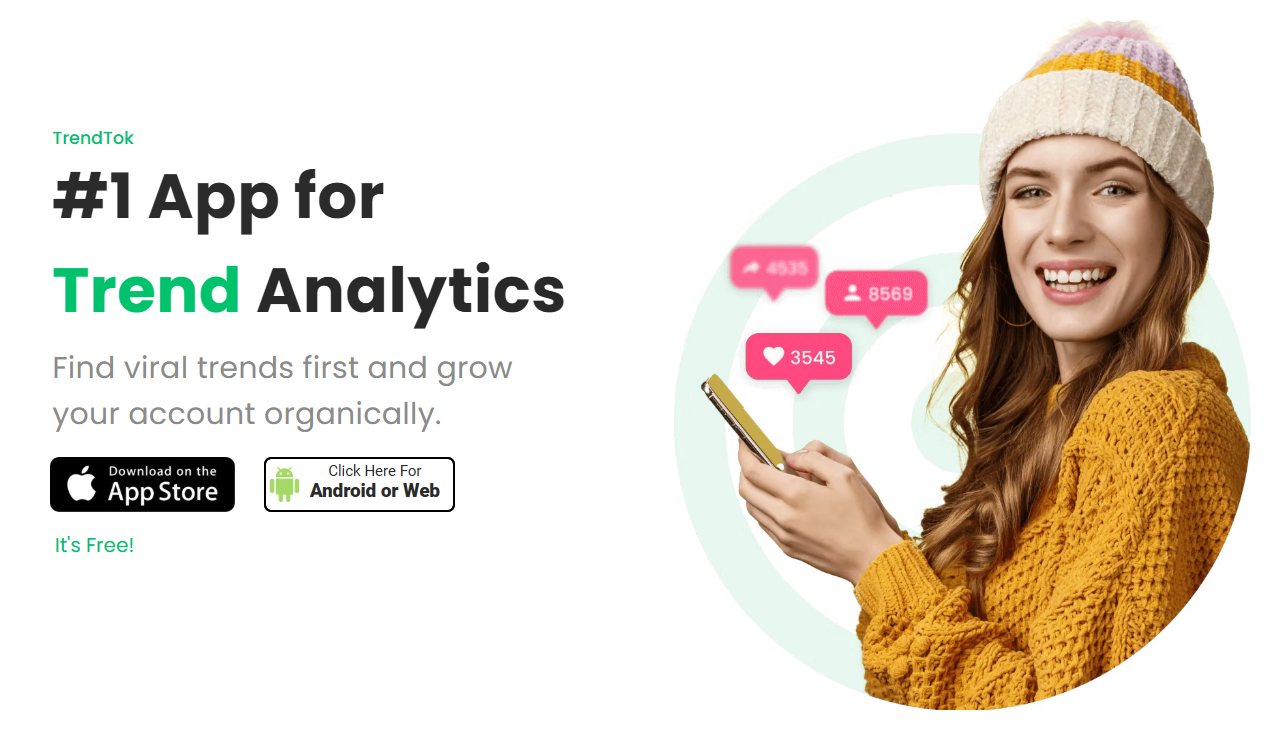
TrendTok is a mobile app that helps you find popular sounds on TikTok before they get overused. It uses simple data tools to show you which sounds are growing in your specific niche.
Here is what you can do with TrendTok:
- Track audio trends picked for your location and business topic.
- Get alerts when a saved sound starts getting lots of new views.
- Save sounds into custom lists to plan your upcoming videos.
- See if a sound is still growing or already losing popularity.
Who is this for: Creators and business owners who rely on organic, trend-based videos.
Pricing: Free to download; full access costs $2.99 per week or $19.99 per month.
The feature I like best: The audio tracker lets you jump on new trends while they are still fresh.
Loomly
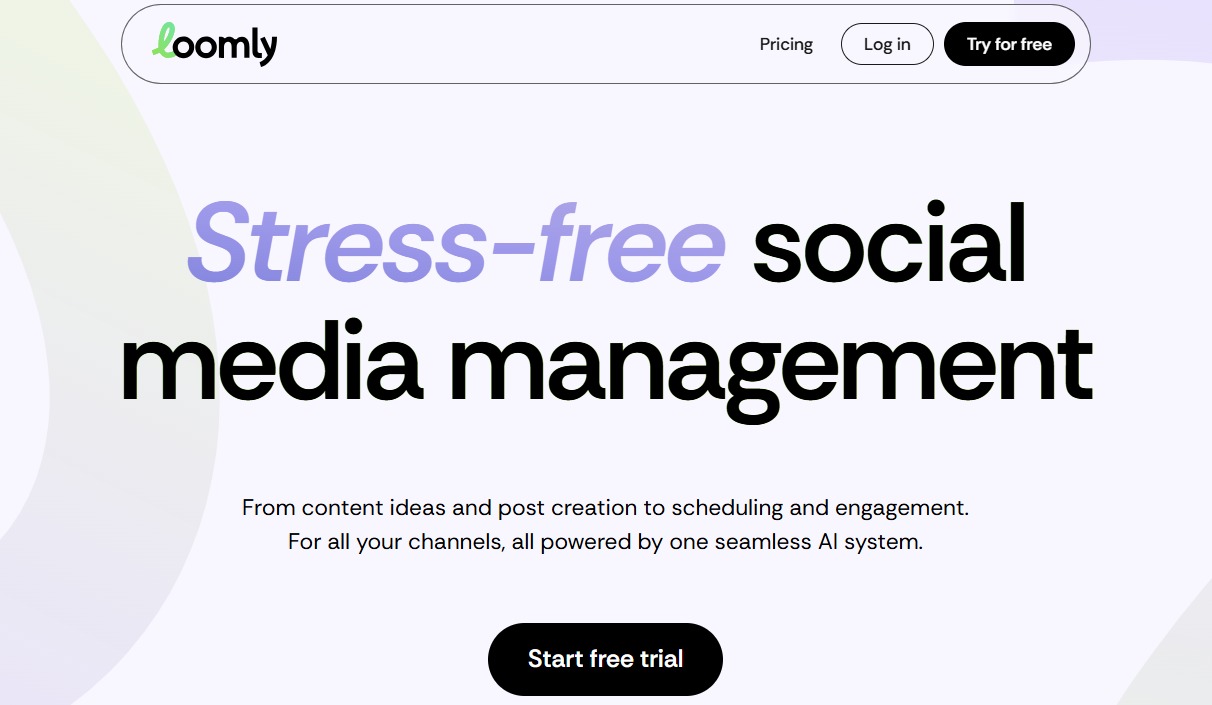
Loomly is a visual post planner designed to make teamwork simple. It shows you a preview of how your TikTok post will look before it goes live, making it easy to get approvals from managers or clients.
Here is what you can do with Loomly:
- Set up clear approval steps for your team before publishing.
- Get automated post ideas and holiday reminders.
- Preview how your video caption and formatting will look on a mobile screen.
- Keep your video files, scripts, and media organized in one shared library.
Who is this for: Teams and agencies that need to review posts with clients or managers.
Pricing: Starts at $65 per month.
The feature I like best: Simple review links let clients approve posts without needing their own login.
How to choose the right TikTok tool for your goals
Best tools for solo creators and small accounts
If you run your account alone, focus on tools that are low-cost and easy to use. You do not need expensive software to build a real audience.
A clean setup includes:
- CapCut for fast video editing and quick captions.
- TikTok Creative Center for free trend research.
- Buffer or Vista Social for cheap post scheduling.
This combination gives you everything you need to edit clips and post regularly for under $20 a month.
Best tools for businesses and marketing teams
If you run a growing store or manage social media for clients, look for tools with shared inboxes and detailed reports.
A complete team setup includes:
- Hootsuite or Loomly for managing calendars and approving posts.
- ManyChat for automated direct message replies and lead capture.
- NestAds for tracking return on ads spend and customer journey.
These tools save your team hours of manual effort every week while keeping your customer responses fast.
FAQs about TikTok tools
Yes, you can schedule videos to post automatically on TikTok. Approved platforms like Buffer, Hootsuite, and Vista Social connect directly to TikTok’s official publishing tools. Your posts go live at your chosen time without requiring you to open the app to click send.
Yes, free tools are great when you are starting out. CapCut handles your video editing, TikTok Creative Center gives you trend data, and free plans on Buffer or ManyChat cover your basic posting and message needs. You can pay for extra features later as your sales grow.
Most TikTok creators rely on CapCut for editing their videos because it is owned by ByteDance, TikTok’s parent company, and offers seamless direct integration along with trending audio sync, custom stickers, and automated captions.
Popular free tools for TikTok marketing include the official TikTok Creative Center for discovering viral hashtags and top performing ads, alongside CapCut for editing videos with dynamic captions and visual effects. To complete a full content workflow, software platforms like Buffer and Later provide free plans for scheduling your posts in advance.