








If you want an audience to pay attention, giving them helpful information is one of the most reliable ways to do it.
This guide breaks down how to plan, write, and publish educational posts that build trust and drive real engagement.
What educational content means on social media
Educational content on social media is any post that teaches your viewer how to solve a problem or understand a topic. It focuses on practical takeaways that someone can use right away.
On platforms like Instagram, TikTok, YouTube, and LinkedIn, educational posts usually come in a few basic formats:
- Short video tutorials that show a quick process.
- Carousel image posts that break an idea into step-by-step slides.
- Visual infographics and reference graphics.
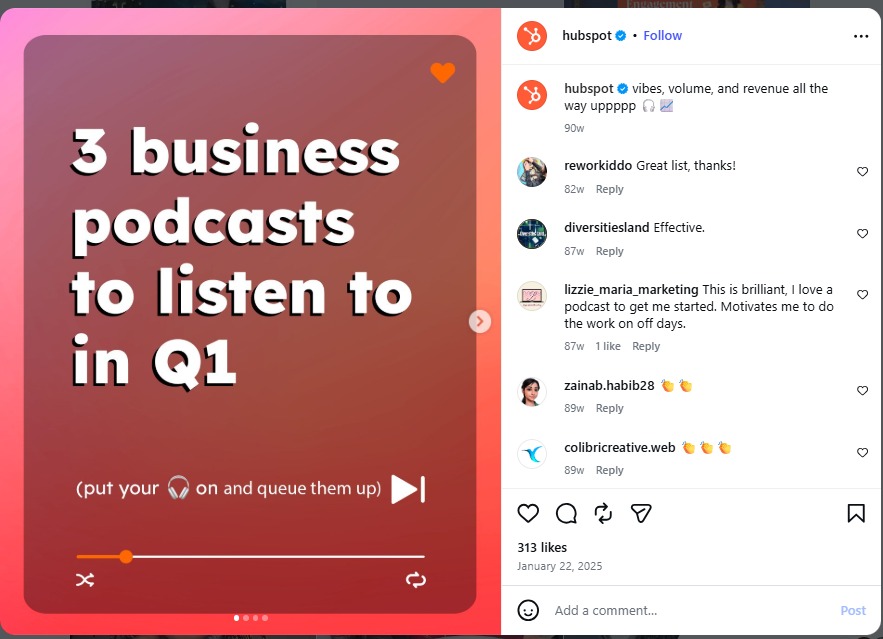
Most active users on major platforms rely on social media as a primary source for news, tutorials, and daily information. The key isn’t to deliver a dry lecture; it’s to present actionable solutions through engaging storytelling, relatable humor, or dynamic visuals.
Why educational content is an evergreen pillar on social media
Trends come and go within a few days, but fundamental problems stay the same. Educational content is one of the best content pillars for social media for these reasons:
- High save rates: Viewers bookmark useful guides and checklists so they can look at them later. Social media algorithms notice when people save a post, which signals that the content is valuable and worth showing to more people.
- Built-in trust: Demonstrating how to do something proves that you know your topic. People prefer buying from accounts that have already helped them for free.
- Better conversion rates: Showing how to fix a problem makes viewers realize how much time they could save by using your product or service.
- Higher overall returns: Research in HubSpot’s Social Media Trends Report indicates that informative content delivers stronger long-term returns on investment than traditional self-promotional posts. Helpful posts attract an audience that sticks around.
How to create educational content that gets shared on social media
Publishing posts that get shared consistently comes down to using a repeatable framework. You need a simple process for finding ideas, writing clear hooks, and structuring your information.
1. Solving real problems
Guessing what to post usually leads to low engagement. Instead of guessing, collect topics directly from the questions your audience already asks.
Check your customer support emails, direct messages, and comment sections. You can also use free search tools like Google Trends, AnswerThePublic, or the search bar on TikTok and YouTube. Type a broad keyword related to your work and look at the suggested searches. Those suggestions show you the exact phrases people type when they need help.
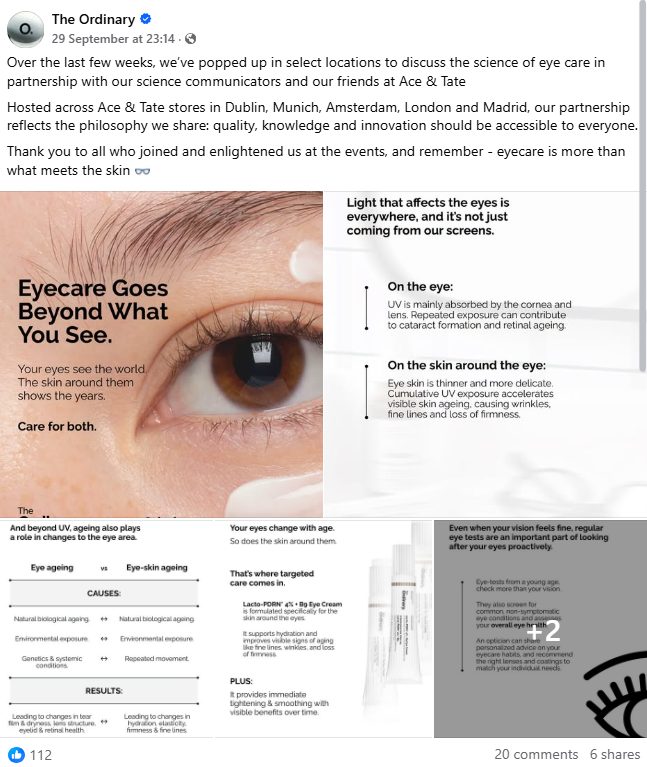
Keep a running list of these questions in a notes app. Each question becomes the topic for a future post.
2. Writing hooks that grab immediate attention
Your opening line determines whether someone stays to read or watch your post. A good hook tells the reader what problem you are solving and why they should care, all within the first few seconds.
Skip long-winded intros and state the main point right away, for example:
- “If your video views drop after five seconds, try changing this one setting.”
- “Here is how to write a week of email subject lines in ten minutes.”
- “Avoid this common mistake when setting up your first ad campaign.”

Read more: 15 Viral Hooks for TikTok and Reels to Boost Engagement
3. Make it simple and visual
People often scroll social media for bite-sized information, not long essays. When you break ideas into small, digestible steps, people are more likely to get it right away, and follow you for more.
Visual guides are especially effective for this. Posts with clear charts, clean graphics, or step-by-step image slides hold attention much better than plain text blocks.
Visual guides also drive higher conversion rates on social media. That quick visual clarity builds trust fast and gives viewers the confidence to click your link, sign up, or buy your product.
4. Include calls-to-action
If you have more useful content, let the audience know.
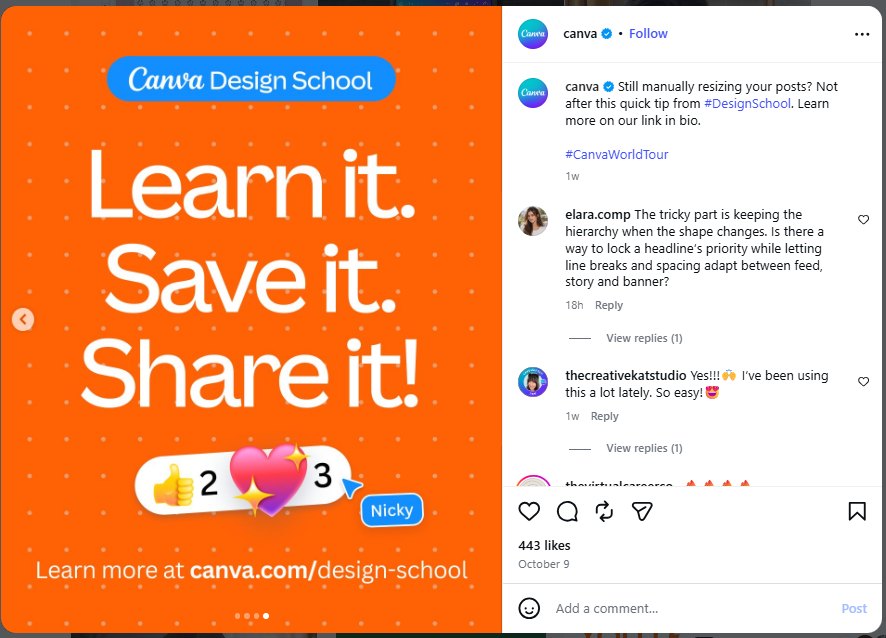
Whether you ask them to save the post for later, leave a question in the comments, or click the link in your bio for the full guide, a clear call-to-action is always a nice addition to drive engagement.
5. Cite reputable sources
Use reliable sources such as research centers, official documentation, or industry studies. If you share a statistic, you should definitely mention where it came from.
This gives your audience confidence that your advice is grounded in facts.
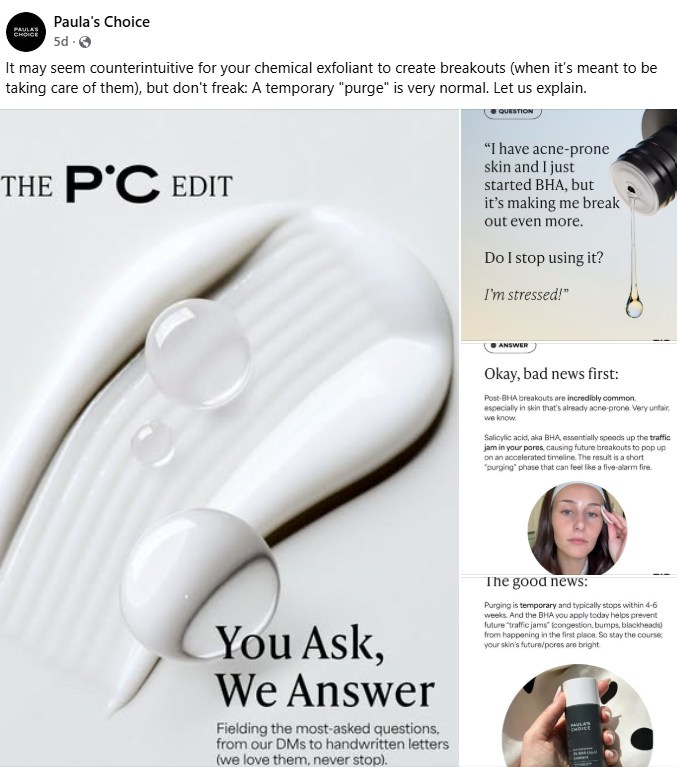
Additionally, many brands pull from their own data and consult with their own employees, who are experts in the field. For example, Paula’s Choice – a skincare brand – has a FAQs section where they answer customer questions in details. This is the type of content that build strong community and brand trust.
Common mistakes to avoid with educational content
A few simple errors can hurt the performance of your educational posts. Here are three common issues to watch for:
- Using heavy industry jargon: Complicated terms make your content harder to digest for regular consumers. Write using simple, everyday words and explain complicated terms so anyone can follow along easily.
- Crowding too much text onto the screen: Small text is difficult to read on mobile devices. If your content is super in-depth, try presenting it like a college presentation slide instead of text blocks.
- Talking without visual changes: Staying on a single camera angle for an entire video gets boring quickly. Add text pop-ups, graphics, or quick cuts to keep the video visually interesting.
- Over-promoting your products: You are likely to show off your products, but do it in an educational way as well: show what it does and how it is used, not just listing benefits.
FAQs about Educational content on social media
Educational content solves real problems for your audience and has higher conversion rate, but it can also be entertaining. Solve their pain points first to earn their attention, then deliver it with enough creativity to keep them coming back for more.
Aim for 30 to 60 seconds, make sure all the important details are covered so the audiences have no problem following your guides. Quick tutorials can be around just 15-second long.
You should post 1-2 times a week to both establish a pillar content and avoid overwhelming your followers, especially when you have other types of content to post.
Focus on saves, shares, and detailed comments rather than total view counts. High save and share rates prove that viewers found your advice practical enough to keep for later or send to others.




 TikTok Advertising