







 NestScale Updates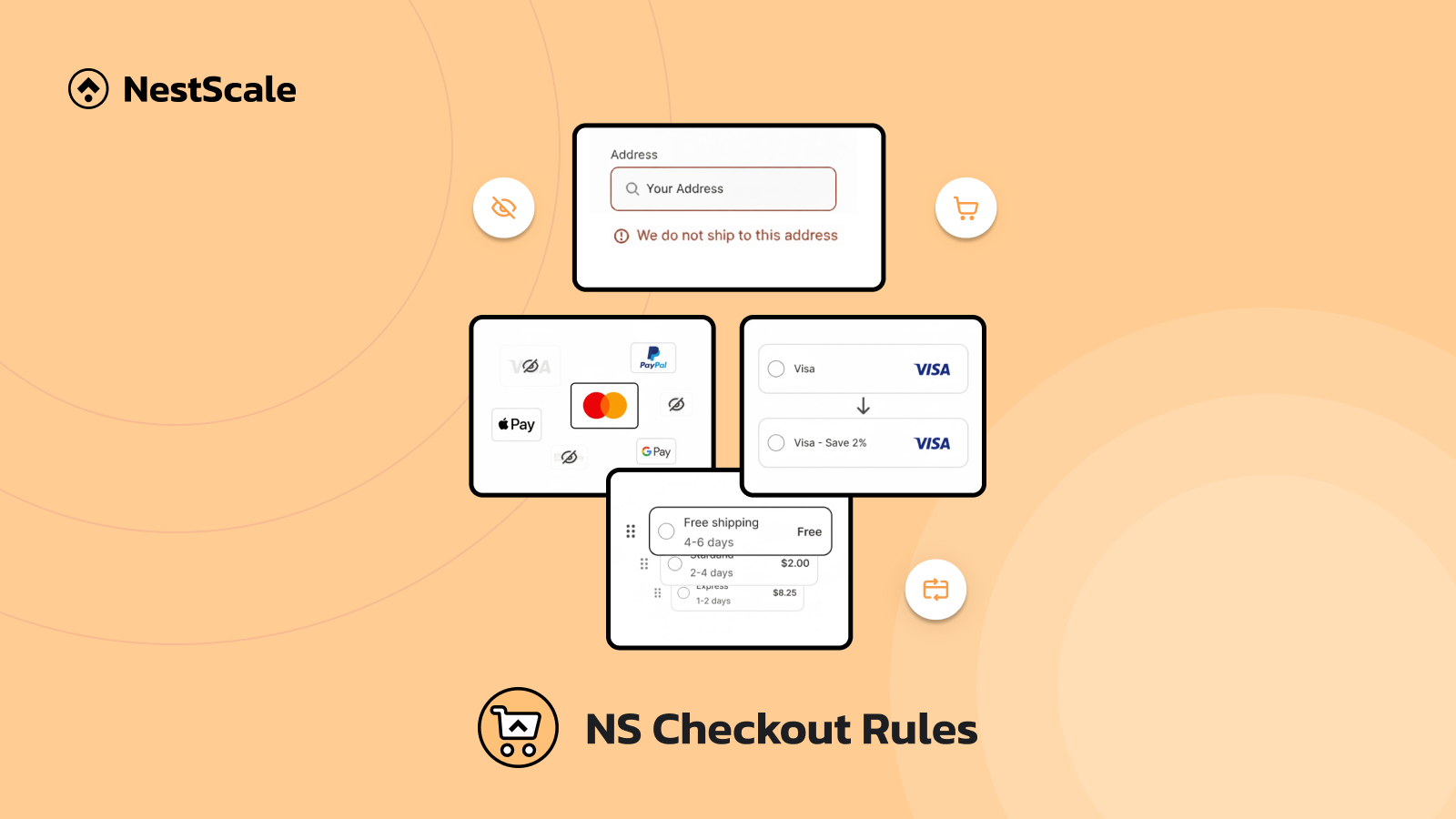
NS Checkout Rules is here to help Shopify stores customize checkout and make the process faster and simpler for shoppers. Now you can adjust shipping methods, payment methods, and order validation based on clear conditions such as cart value, customer type, or location.
With NS Checkout Rules, merchants can reduce checkout confusion, prevent unwanted orders, and guide customers toward the right options, all without coding or complex setup.
Hide, reorder, and rename shipping & payment methods
Essentially, you can decide which shipping and payment methods appear, where they appear, and how they are named.
- Control which shipping or payment methods appear at checkout
- Change the order in which methods are shown
- Rename methods to make their meaning clearer to customers
These changes can be applied globally or only when specific conditions are met, such as cart value, customer tag, country, or order type.
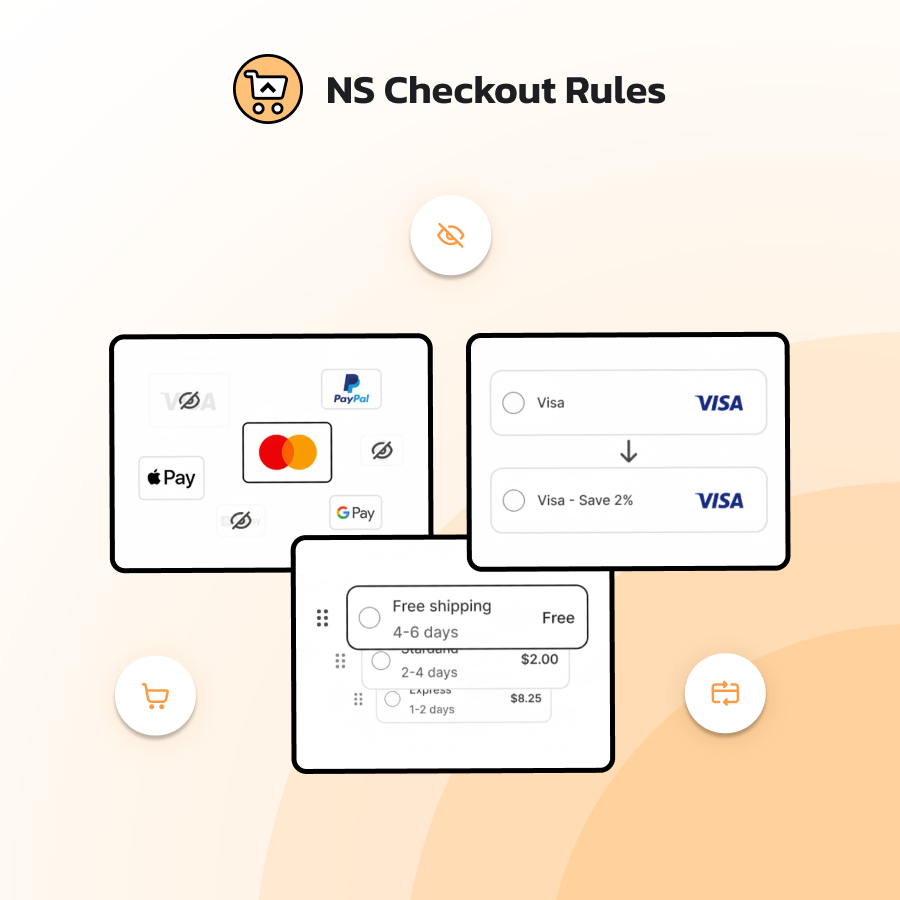
Instead of a cluttered list, checkout becomes a short, logical set of options that match how you actually run your business.
How does this help merchants?
- Keep checkout clean by showing only relevant options
- Guide customers toward preferred or safer methods
- Set clearer expectations around shipping speed, tracking, or payment terms
- Reduce support tickets caused by misunderstanding checkout options
Validate orders before checkout to prevent fraud
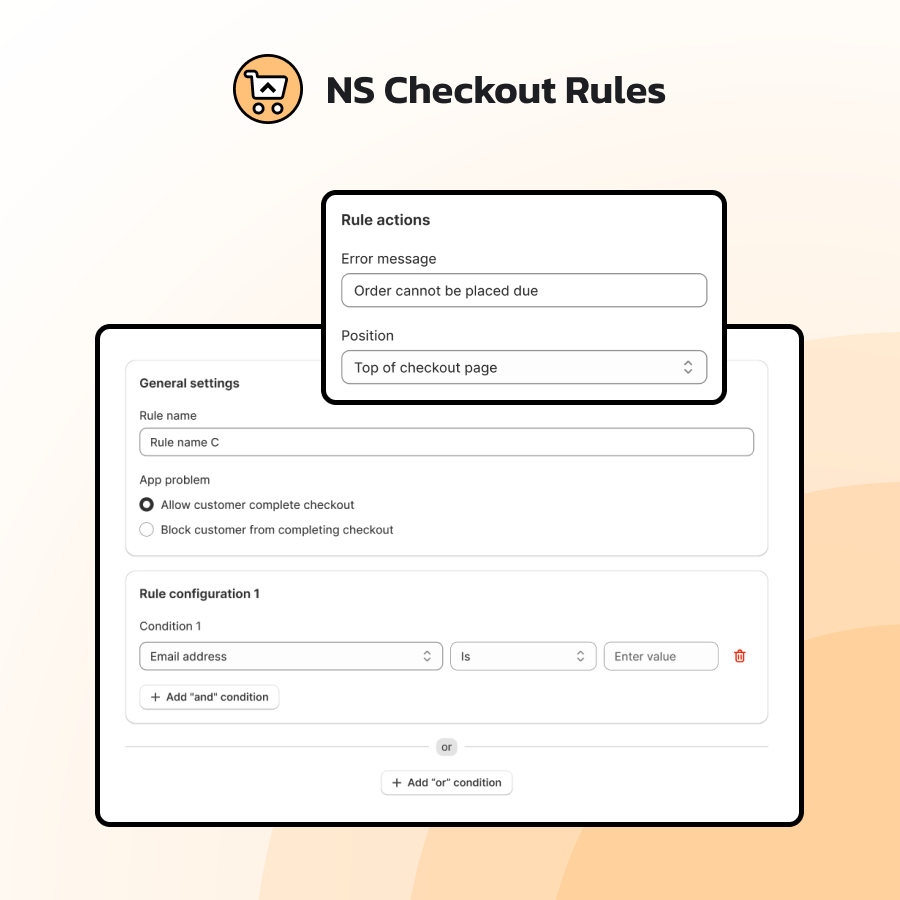
Validation rules in NS Checkout Rules allow you to check specific conditions before an order is placed. When a condition matches, you can:
- Block checkout from completing
- Show a clear, custom message explaining what’s wrong
- Choose where that message appears (e.g., at the top of the page or near a relevant section)
How does this help merchants?
Validation rules help you:
- Prevent obvious problems before they become orders
- Reduce chargebacks and fraud-related losses
- Enforce policies (like minimum order values or allowed regions)
- Communicate requirements directly at checkout instead of through later emails
The goal isn’t to make checkout stricter for everyone, but to make sure the orders you accept are ones you actually want.
Shape a checkout experience that fits your business
“Personalized checkout experiences can lead to conversion rate increases of 10-20%.”
– Shopify
Small details make a big difference at checkout. It’s time to remove unnecessary friction and make it easier for customers to complete a purchase.