





1. What is Shopify?
Shopify is a cloud-based, multi-channel software-as-a-service (SaaS) commerce platform.
By providing infrastructure that spans website hosting, payment processing, and inventory management, Shopify removes technical barriers to selling online.
Beyond online stores, Shopify connects natively with physical retail environments through its Point of Sale (POS) system, and extends to digital marketplaces and social media platforms.
Overall, Shopify serves everyone from solo entrepreneurs starting out to large enterprise brands processing massive volumes of global orders.
2. How does Shopify work?
Shopify consolidates all the essential tools required to run a retail business into a single ecosystem. It functions across these primary layers:
- Store Setup & Customization: Merchants choose a visual theme from the Shopify Theme Store and use an intuitive drag-and-drop editor to build their product catalogs, blogs, and standalone pages.
- Core Back-End Operations: Shopify hosts the store and handles secure checkout processes, currency configurations, tax calculation rules, and shipping rate logistics automatically.
- Shopify App Store: When businesses need customized functionalities — such as advanced email marketing tools, live chat solutions, or complex dropshipping fulfillment networks — they can install third-party plugins directly into their dashboard.
- Omnichannel Integration: Any sale made on a synced channel—whether through an online store, TikTok shop, Amazon listing, or physical brick-and-mortar register—automatically updates central inventory counts and revenue reports.
3. Shopify pricing breakdown (2026)
Shopify operates on a subscription model. Here are the core Shopify plans:
- Shopify Starter ($5/month): A lightweight option designed for merchants who want to sell products through social media apps or messaging platforms using simple product links, without building a full online store.
- Basic plan ($39/month): Ideal for new businesses, providing a complete online storefront, basic data reporting, and access to core shipping discounts.
- Grow plan ($105/month): Structured for growing businesses, offering enhanced reporting metrics, lower transaction fees, and additional staff login accounts.
- Advanced Shopify ($399/month): Tailored for scaling enterprises, delivering custom report builders, calculated third-party shipping rates, and deeply discounted processing fees.
- Shopify Plus (from $2,300/month): An enterprise-grade solution engineered for high-volume brands, offering dedicated support, completely customizable checkout styling, and advanced automation workflows (via tools like Shopify Flow).
*This is the pricing plans for United States, which is applied across many other countries. For more accurate pricing, you should check Shopify’s official page.
4. How to sell on Shopify (Step-by-step)
Launching a business on Shopify is a straightforward process. Follow this step-by-step guide to set up your store and start making sales:
Step 1. Sign up and create an account
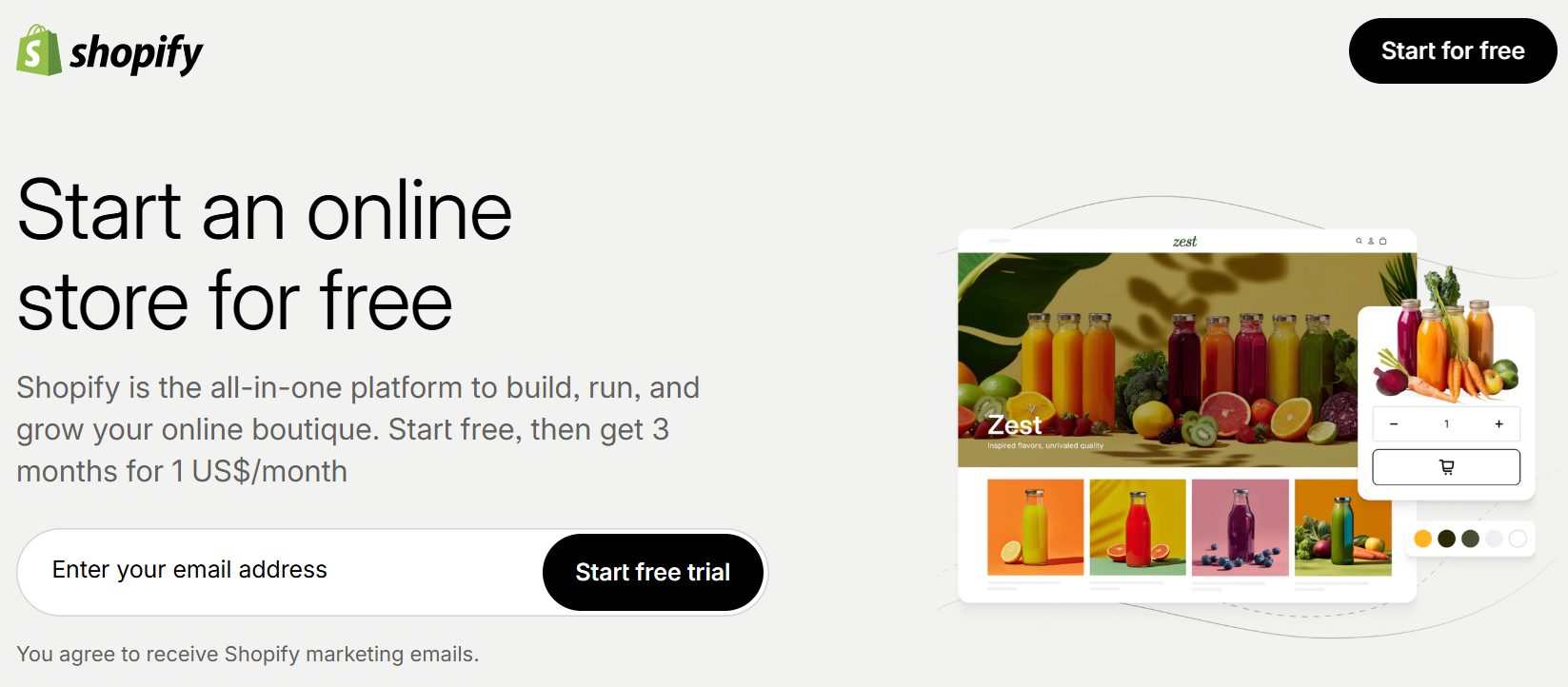
Visit the Shopify website and register for a free trial. Enter your email address, create a password, and provide basic details about your business name and industry.
Step 2. Add your products
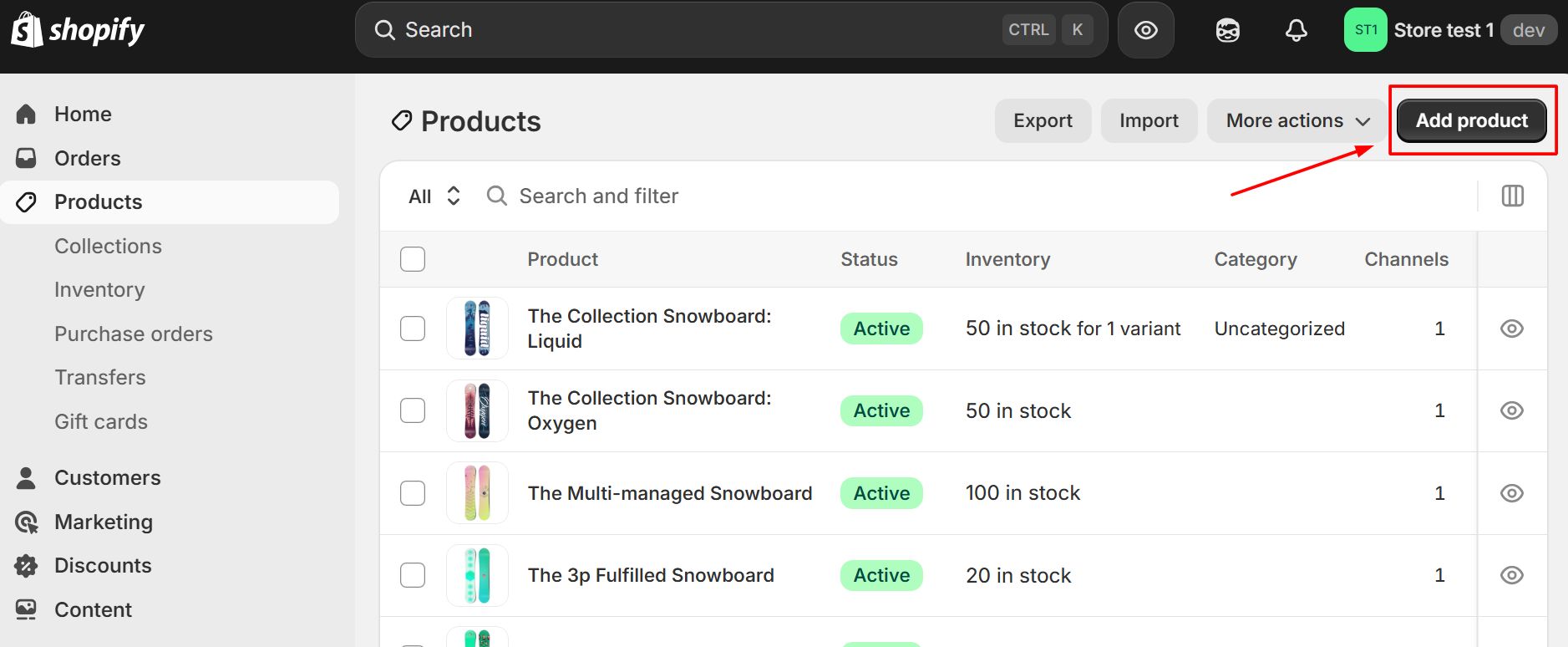
Navigate to the Products section in your admin dashboard. Enter product titles, write descriptive copy, upload high-quality images, and input pricing. Make sure to specify variant options like size, color, or material if applicable.
Step 3. Customize your storefront design
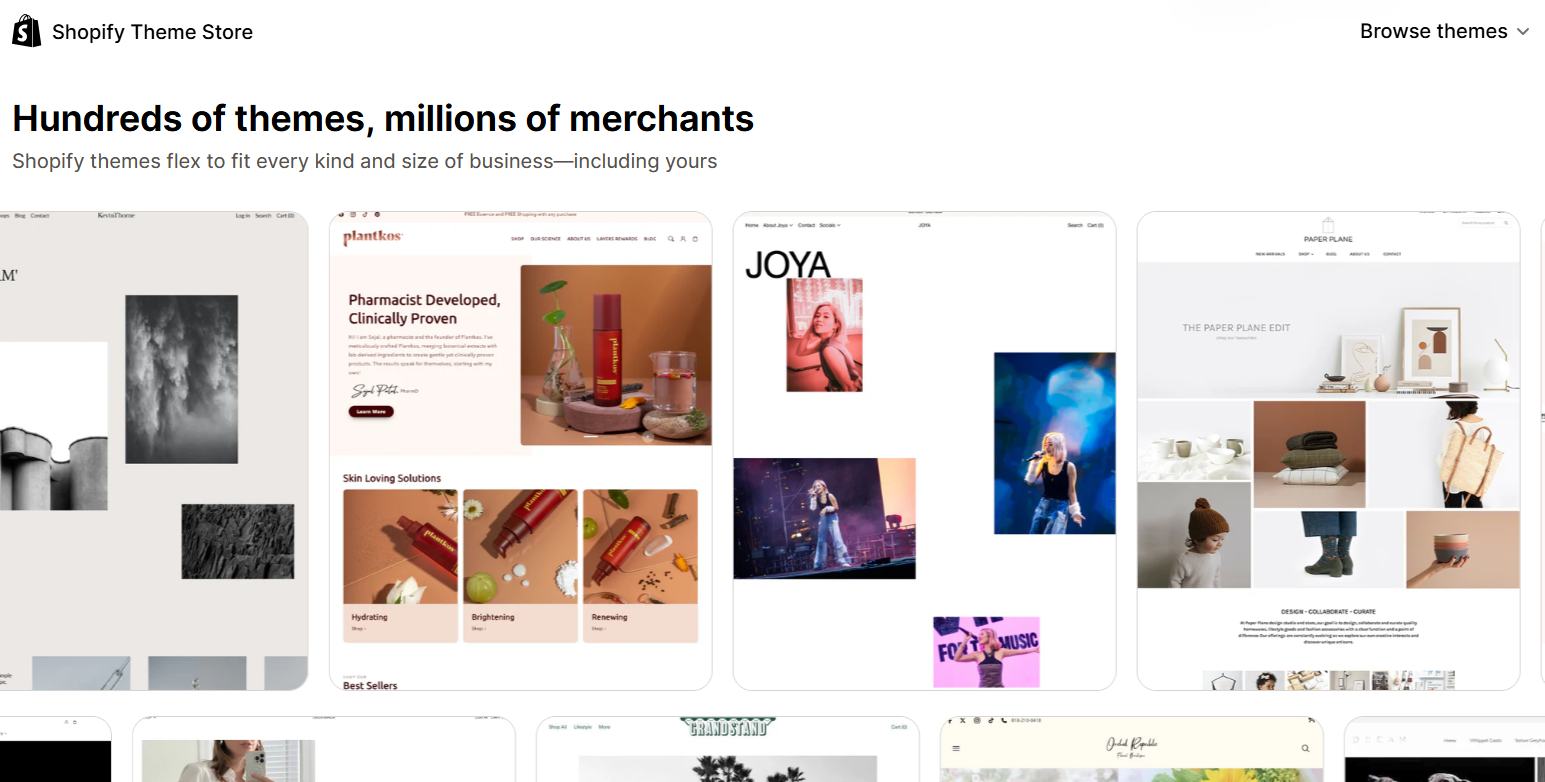
Go to Online Store > Themes. Choose a template that matches your brand identity from the Shopify Theme Store. Use the intuitive drag-and-drop theme editor to adjust colors, fonts, layouts, and add banners or logo branding.
Step 4. Configure your domain name
Establish a professional presence by connecting a domain. You can buy a brand-new custom domain directly through Shopify or link an existing domain you already own from a third-party provider like GoDaddy.
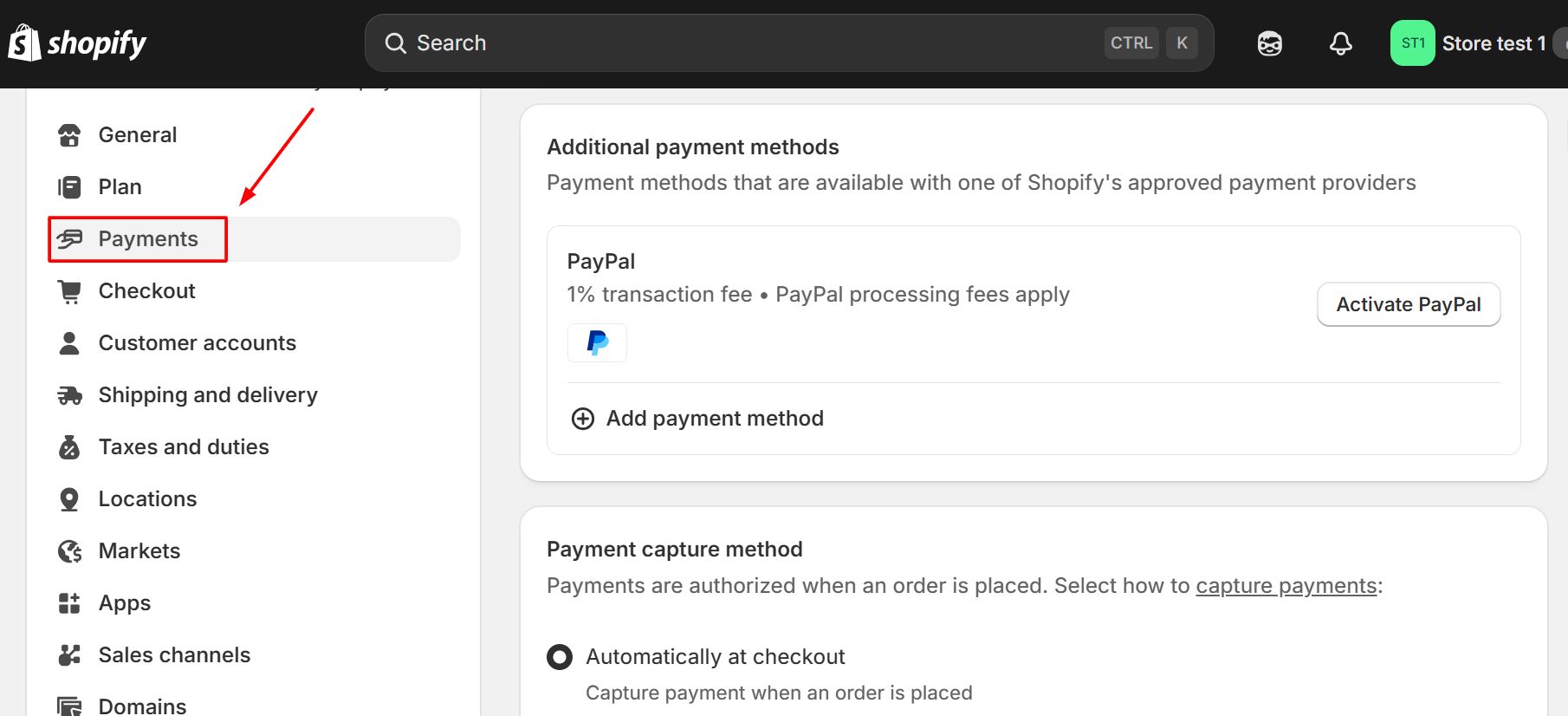
Step 5. Set up payment and shipping parameters
Under Settings, activate your payment gateway (such as Shopify Payments or PayPal) so customers can securely checkout. Next, configure your shipping rules—defining flat rates, free shipping thresholds, or real-time carrier-calculated rates.
Step 6. Test and launch your store
Before going live, place a test order using Shopify’s Bogus Gateway to ensure the checkout, taxes, and automated confirmation emails work properly. Once verified, remove your storefront password under Online Store > Preferences to officially open for business.
Now that you have a Shopify store, you can start getting your first sales.
FAQs about Shopify
Shopify supports a wide range of business models and products. You can sell physical goods (such as apparel, electronics, and handmade crafts), digital products (like e-books, software, and online courses), and services (including consultations, memberships, and event tickets). Additionally, Shopify natively supports dropshipping and print-on-demand fulfillment structures.
No. Upon signing up, Shopify provides you with a free default domain containing your brand name followed by .myshopify.com (e.g., yourbrandname.myshopify.com). However, to build a professional brand identity, you can purchase a custom domain directly through Shopify or connect a domain bought from a third-party registrar like GoDaddy or Namecheap.
Yes. If you choose to process credit card payments through a third-party gateway (such as PayPal, Stripe, or Authorize.Net) instead of Shopify Payments, Shopify charges an additional transaction fee. This fee depends on your subscription tier.
Yes. You can migrate data such as product descriptions, customer profiles, order history, and reviews from other platforms like WooCommerce, Magento, or Wix.
Yes. Shopify features an integrated Point of Sale (POS) system that syncs your digital storefront with physical retail operations. The Shopify POS mobile app and corresponding hardware options (like card readers and barcode scanners) ensure that inventory levels, sales reporting, and customer profiles update simultaneously across your retail locations and online store.